
POS Systems
POS Machine Cost: A Comprehensive Guide for Small Business Owners
Navigating the world of point-of-sale pricing can be confusing, but understanding the upfront and hidden costs is essential for your bottom line.
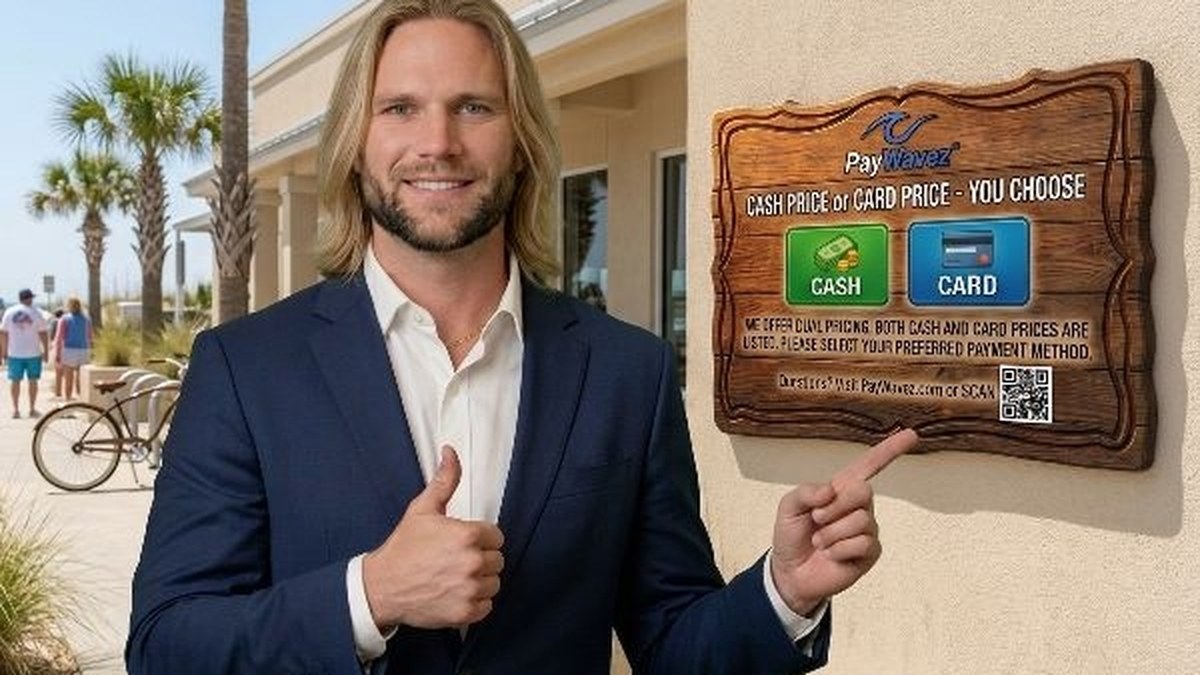
Understanding the total pos machine cost is the first step toward choosing the right payment system for your small business. Whether you are opening a new boutique in Florida or managing a busy restaurant in Alabama, the price you pay for your equipment and software will impact your monthly overhead for years to come. Many business owners focus only on the price of the terminal itself, but the true cost includes hardware, software, and the transaction fees that come with every swipe.
The True POS Machine Cost: Upfront vs. Ongoing
When you start looking for a new system, you will quickly realize that the pos machine cost isn't just a one-time sticker price. For a deeper look at what is included in these packages, you should read our previous guide on how much a POS costs and what it includes. Generally, you can divide your expenses into three main buckets: hardware, software, and processing.
Hardware is the physical equipment you touch every day. This includes the screen, the card reader, and the receipt printer. Software is the program that runs on that hardware, managing your inventory, tracking sales, and processing payments. Finally, processing fees are the costs charged by your merchant account provider every time a customer uses a credit or debit card. Some companies offer "free" hardware, but they often make up for it with higher monthly software fees or more expensive transaction rates. It is important to look at the total cost of ownership over at least three years to see which deal is actually better for your wallet.
Hardware Breakdown: What You’ll Pay for Terminals
The physical equipment is usually the most visible part of your investment. Depending on your business type, your hardware needs will vary significantly. A mobile business, like a food truck or a mobile detailer, might only need a small handheld reader. A full-service restaurant will need multiple stations, kitchen printers, and handheld devices for tableside ordering.
- Mobile Readers: These often range from $0 to $100. They usually plug into a phone or connect via Bluetooth. While cheap, they lack professional features like built-in printing or customer-facing screens.
- Countertop Smart Terminals: Expect to pay between $300 and $800. These are standalone units that include a touchscreen and a built-in printer. They are perfect for small retail shops and service businesses.
- Full POS Kits: A complete setup with a large 15-inch screen, cash drawer, and receipt printer usually costs between $800 and $2,000 per station.
If you want to see how these different pieces of hardware work in action, you can view our live demo to see the software interface. Choosing the right hardware is about more than just the lowest price; it is about finding a tool that makes your staff faster and your customers happier.
Software Subscriptions: The Monthly Reality
Most modern POS systems run on a "Software as a Service" (SaaS) model. This means you pay a monthly fee to keep the software running. This fee usually covers technical support, software updates, and data security. For a basic retail setup, software fees typically range from $30 to $100 per month per station. Advanced systems for restaurants, which include features like floor mapping and menu management, can cost $150 or more per month.
Be careful of companies that offer very low software fees but charge extra for every "add-on." You might find that you have to pay extra for inventory management, employee tracking, or loyalty programs. At PayWavez, we believe in transparency, so we help business owners understand exactly what they are getting for their monthly investment without the surprise bill at the end of the month.
"Investing in the right POS system isn't an expense; it's an investment in your business's efficiency. The wrong system can cost you more in lost time and frustrated customers than the hardware itself ever would."
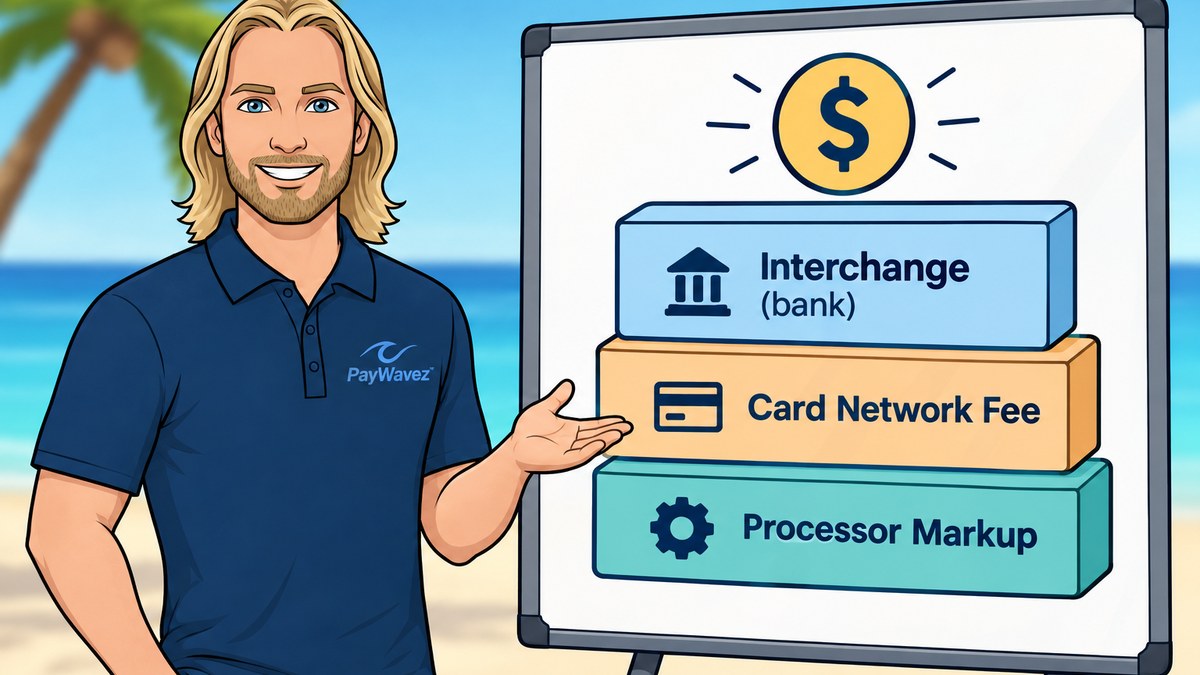
Credit Card Processing Fees: The Hidden Variable
While the pos machine cost for hardware and software is usually a fixed number, processing fees are variable. These are the fees you pay to the banks and the credit card networks (like Visa and Mastercard) to move money from your customer's account to yours. There are three main ways these fees are structured:
- Flat-Rate: You pay the same percentage for every transaction (e.g., 2.6% + 10 cents). This is simple but often the most expensive option for growing businesses.
- Interchange-Plus: You pay the actual cost from the card network plus a small, transparent markup from your processor. This is generally the most cost-effective model for established businesses.
- Tiered Pricing: Transactions are grouped into "qualified," "mid-qualified," and "non-qualified" tiers. This is often confusing and allows processors to hide higher fees.
For businesses in the Gulf Coast region, from Alabama to the panhandle of Florida, choosing the right processing model can save thousands of dollars a year. If you are operating in Destin, for example, your seasonal volume might make interchange-plus pricing much more attractive than a flat-rate model.
Reducing Costs with Surcharging and Dual Pricing
One of the best ways to offset the pos machine cost and processing fees is through a dual-pricing or surcharging program. These programs allow you to pass the cost of credit card processing on to the customers who choose to use those cards, while offering a discount to those who pay with cash. This is a legal and increasingly popular way for small businesses to keep their margins high while still accepting all forms of payment.
With a dual-pricing setup, your POS machine automatically displays two prices: a cash price and a card price. This eliminates the "sticker shock" of a surcharge and provides full transparency to your customers. Many of our clients find that this one change completely pays for their monthly software and hardware costs within just a few months.
How to Avoid Overpaying for Your POS Terminal
To get the best deal, never sign a long-term contract without reading the fine print. Look for companies that offer month-to-month service. If a company is confident in their product, they won't feel the need to trap you in a three-year agreement. Also, check if the hardware is "locked." Some processors give you a deal on a terminal, but that terminal only works with their service. If you ever want to switch processors to get a better rate, you would have to throw the machine away and buy a new one.
In summary, finding the right pos machine cost requires looking at the big picture. Don't get distracted by "free" offers that hide high transaction rates. Instead, look for a partner that offers transparent pricing, local support, and the features you need to grow. For more details on the components of these systems, make sure to visit our guide on how much a POS costs and what it includes. By doing your homework now, you can save your business thousands of dollars in the long run.
Ready to see your own numbers?
Run your real card volume through the calculator or apply in about two minutes.