
Mobile Payments
Mobile CC Processing: The Complete Guide for Small Business Owners
Taking payments on the go shouldn't cost you a fortune in hidden fees or lost time. Here is how to set up mobile processing the right way.

Mobile cc processing is the backbone of modern service businesses, from food trucks to plumbers. If you are running a business that moves, you cannot afford to be tied to a countertop. Whether you are selling at a farmers market or fixing a roof, your customers expect to pay with a tap or a swipe. Before we dive into the hardware, you should check out our previous guide on credit card processing for mobile business to see the foundational steps for field-based companies.
What is Mobile CC Processing and How Does It Work?
At its simplest, mobile processing turns your smartphone or tablet into a credit card terminal. This is done through an app and a small piece of hardware called a card reader. When you run a transaction, the app sends the encrypted data to your merchant account provider. They talk to the banks, verify the funds, and send a signal back to your phone that the sale is approved.
Many business owners start with a basic plug-in reader, but as you grow, you will want something more robust. A professional merchant account is different from a peer-to-peer app like Venmo. With a real merchant account, you get better fraud protection and lower long-term rates. You can see how this works in real-time by viewing our live demo of the software interface.
According to industry data, businesses that accept mobile payments see an average 20% increase in sales because they never have to turn away a customer who isn't carrying cash.
The Real Cost: Understanding Processing Fees
Fees are where most small business owners get confused. You will usually see three types of pricing: flat-rate, interchange-plus, and tiered. Flat-rate looks simple because you pay one percentage for every sale. However, for a growing business, this is often the most expensive way to pay. Interchange-plus is more transparent because it shows you exactly what the card brands charge plus a small markup for the processor.
You also need to watch out for "hidden" fees. Some companies charge monthly statement fees, PCI compliance fees, or annual membership fees. At PayWavez, we believe in transparency. If you are working in the Southeast, you might want to see how we help local shops with Alabama payment processing by cutting out these unnecessary costs. Knowing your effective rate is the only way to know if you are getting a fair deal.
"The biggest mistake mobile merchants make is choosing a processor based on the free reader rather than the long-term processing rates."
How to Legally Pass Fees to Customers
One of the best ways to protect your margins is through surcharging or dual pricing. Surcharging is when you add a small fee (usually around 3% to 4%) to credit card transactions to cover the cost of the processing. Dual pricing is even better; it shows a "cash price" and a "card price" on every item. This encourages customers to pay with cash while ensuring that if they use a card, you aren't the one paying for their airline miles.
There are strict rules for this. You must have the right signage at your point of sale, and you must notify the card brands 30 days in advance. Many mobile apps don't handle this automatically, which can get you in trouble. Our systems are built to keep you compliant with state and federal laws so you can keep 100% of your sale price.
Hardware: Mobile Card Readers vs. Smart Terminals
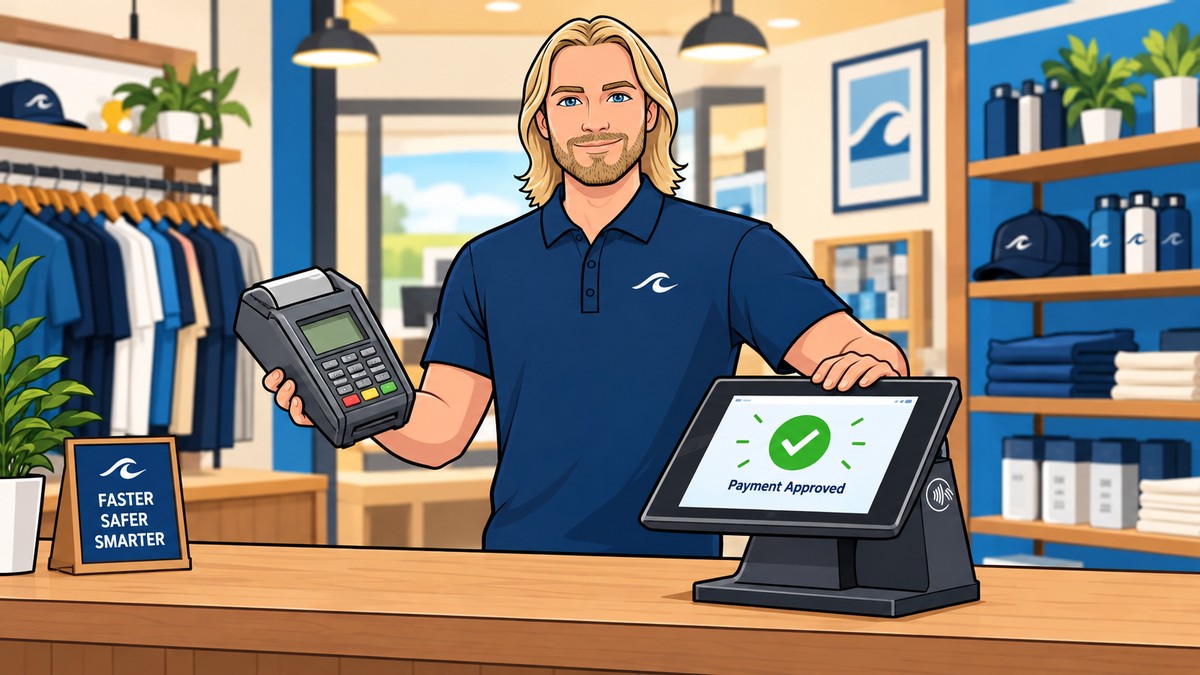
For mobile cc processing, you have two main hardware choices. The first is a Bluetooth reader that connects to your phone. These are great for very small volumes. However, they rely on your phone's battery and internet connection. If your phone dies, you can't take money.
The second option is a standalone smart terminal. These devices have their own built-in 4G or Wi-Fi connection and a thermal printer for receipts. They are much more professional and durable. If you are operating a high-traffic business in a place like Destin, a standalone terminal is usually the better choice to keep lines moving quickly during the busy season.
Protecting Your Business from Chargebacks
A chargeback happens when a customer disputes a charge with their bank. In the mobile world, this often happens because the business name on the credit card statement doesn't match the name the customer remembers. Always make sure your "Doing Business As" (DBA) name is clear on your merchant account setup.
To win a chargeback, you need proof. Mobile processing apps allow you to capture digital signatures and send email or SMS receipts. Always take a photo of the completed work or the signed delivery slip. This documentation is your only defense when a customer claims they never received the service.
Setting Up Your Mobile System Step-by-Step
First, apply for a merchant account. Do not just sign up for a consumer app; you need a business-grade account. Second, choose your hardware based on your environment. If you work outdoors, get a rugged terminal. Third, configure your tax and tip settings in the app. Many service businesses forget to enable tipping, which can cost your employees thousands in lost income.
Finally, run a test transaction. Swipe your own card for one dollar to make sure the money hits your bank account the next day. Most modern processors offer next-day or even same-day funding, which is vital for maintaining cash flow in a small business. If you follow these steps and keep an eye on your statement, you will have a reliable system that grows with you. For a deeper look at specific industry setups, remember to review our guide on credit card processing for mobile business to ensure you haven't missed any industry-specific requirements.
Ready to see your own numbers?
Run your real card volume through the calculator or apply in about two minutes.