

Product Education
What is a smart terminal, and do you need one?
Not every business needs full POS software, and not every business is fine with a bare-bones terminal. Here's where smart terminals fit in between.

A "smart terminal" gets used as a catch-all term for any modern card reader, but it actually describes a specific category of device — one that sits between a basic dumb terminal and a full point-of-sale system. Knowing the difference helps you avoid paying for software you don't need, or missing features you do.
A basic terminal vs. a smart terminal
A basic (non-smart) terminal does one job: it reads a chip, tap, or swipe and sends the transaction to a processor for approval. It typically has a small screen, a keypad, and little else — no app ecosystem, no built-in reporting beyond a printed batch summary. A smart terminal runs on a real operating system (usually Android-based), has a touchscreen, and supports installed apps — which means it can handle tipping prompts, itemized sales, basic inventory, digital receipts, and sales reporting directly on the device, without connecting to a separate POS system or register.
A smart terminal vs. a full POS system
Where a smart terminal and a full POS system diverge is depth of software: a full POS setup (often running across a tablet, a kitchen display, and a card reader together) is built for multi-station checkout, complex inventory across many SKUs, and staff-level permissions and scheduling. A smart terminal packs a meaningful chunk of that functionality into a single all-in-one device, but isn't generally built to run a multi-register restaurant floor or a retail store with thousands of tracked SKUs. For a broader breakdown of what a full POS system includes and how it differs from payment hardware generally, see our guide on what POS actually means.
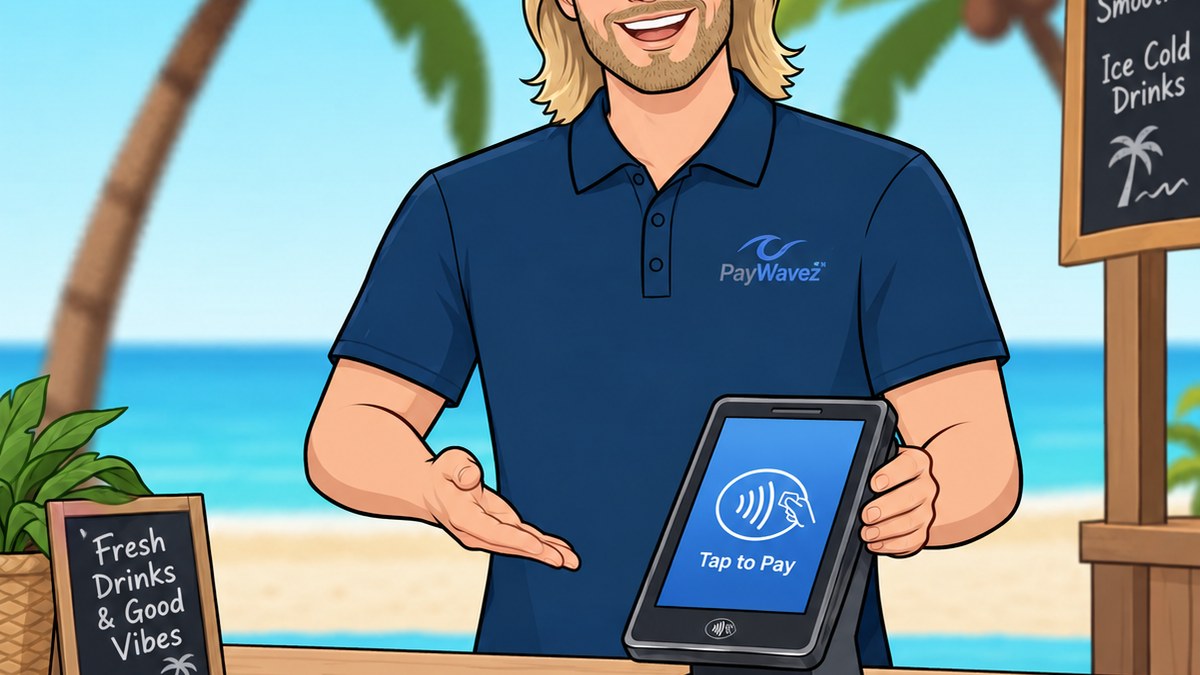
Who a smart terminal is genuinely built for
Single-location service businesses
Salons, repair shops, mobile services — one checkout point, simple item or service lists, no multi-station complexity.
Food trucks and pop-ups
Need tipping, itemized menus, and receipts, but not a fixed multi-terminal setup or a kitchen display system.
Businesses replacing a bare-bones terminal
Already taking cards, but want built-in reporting, digital receipts, or basic item tracking without a separate register.
What to actually check before choosing one
Not all smart terminals support the same feature set. Before choosing one, it's worth confirming it accepts chip, tap, and swipe plus digital wallets like Apple Pay and Google Pay; supports the tipping and receipt flow your business actually needs (digital receipts via text or email are increasingly standard); and runs on PCI-validated, point-to-point encrypted hardware so card data is protected the moment it's captured. For a mobile or seasonal business, battery life and a cellular/Wi-Fi connection option (rather than requiring a wired countertop setup) can also matter more than any single software feature.
When you'd want more than a smart terminal
If you're running multiple checkout stations, need detailed inventory tracking across a large catalog, or require staff-level scheduling and permissions, a full POS system is generally the better long-term fit — a smart terminal can still play a role as the card-acceptance piece of that setup, but it isn't meant to replace dedicated POS software at that scale. For most single-location service and retail businesses, though, a smart terminal covers the checkout experience without the cost or complexity of a full system.
Ready to see your own numbers?
Run your real card volume through the calculator or apply in about two minutes.
What makes a terminal "smart" instead of basic?
A smart terminal runs a real operating system with a touchscreen and installed apps, supporting features like tipping prompts, itemized sales, digital receipts, and on-device reporting — a basic terminal only reads the card and sends it for approval.
Is a smart terminal the same thing as a POS system?
Not quite. A smart terminal packs some POS-like software into a single device, but a full POS system is built for multi-station checkout, deeper inventory, and staff management at a scale most single-location businesses don't need.
Can a food truck or pop-up use a smart terminal as its only checkout device?
Yes, for most food trucks and pop-ups a smart terminal covers itemized menus, tipping, and digital receipts without needing a separate register or kitchen display system.
When should a business upgrade from a smart terminal to a full POS system?
When you're running multiple checkout stations, tracking a large inventory catalog, or need staff scheduling and permissions — at that scale, dedicated POS software is generally the better fit.