
POS Systems
The Best POS Systems for Small Business
Choosing the right point-of-sale system means balancing hardware costs, software features, and the hidden impact of processing fees on your bottom line.
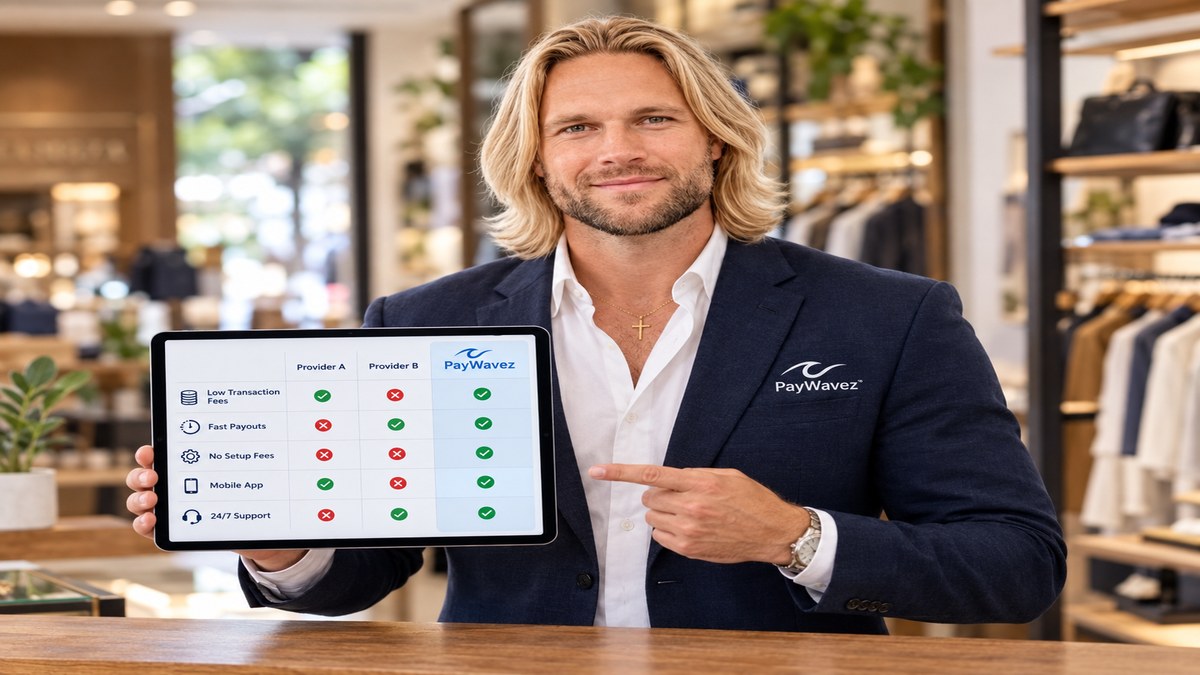
The best POS system for your small business isn't necessarily the one with the most famous logo. It is the one that fits your specific workflow without draining your bank account through hidden fees. Whether you run a retail shop, a bustling cafe, or a mobile service business, your POS is the heartbeat of your operations.
When searching for the best POS system for small business, most owners start by looking at hardware. While a sleek screen matters, the real cost of ownership lives in the processing agreement attached to that screen. Many popular systems lock you into high flat-rate fees that can eat up to 3% or more of every sale.
Top POS Contenders for 2026
To find the right fit, you have to look at how these systems handle different business types. Here is a breakdown of the most common choices:
- Square: Best for very low-volume micro-merchants or businesses that only sell occasionally. It has no monthly software fee but charges a higher flat rate per transaction.
- Clover: Best for mid-sized retail and restaurants that need robust hardware and a deep app market. Clover is highly flexible but often requires a multi-year contract depending on the provider.
- PayWavez: Best for established small businesses looking to eliminate processing fees entirely through dual-pricing models. We provide high-end hardware with transparent, wholesale-style rates.
Key Takeaway: Small businesses switching from flat-rate processing to a dual-pricing or surcharge-capable POS system can save an average of 2.5% to 3.5% on their total annual credit card volume.
A Checklist for Choosing Your System
Before you sign a contract or buy expensive hardware, run through this checklist to ensure the system can actually handle your daily tasks:
- Offline Mode: Can you still take payments if the internet goes down?
- Inventory Management: Does it track stock levels in real-time and send low-stock alerts?
- Employee Permissions: Can you set different access levels for managers vs. cashiers?
- Reporting: Does it provide clear data on your most profitable items and peak sales hours?
- Integrated Payments: Is the card reader built into the software, or do you have to type the amount into a separate terminal?
"The most expensive POS system isn't the one with the highest upfront price; it's the one that charges you a high percentage of every dollar you earn for the life of your business."
The Impact of Processing Fees
Most "best of" lists ignore the math. If you process $20,000 a month, a 1% difference in your processing rate is $200 a month—or $2,400 a year. That is more than the cost of most POS hardware. This is why many merchants are moving toward systems that support dual pricing. This allows you to offer a cash price and a card price, effectively covering your processing costs automatically.
If you are unsure which hardware fits your space, you can see a live demo of how modern terminals handle these transactions seamlessly. For businesses in the Southeast, visiting our locations hub can help you find local support for your setup.
Industry-Specific Needs
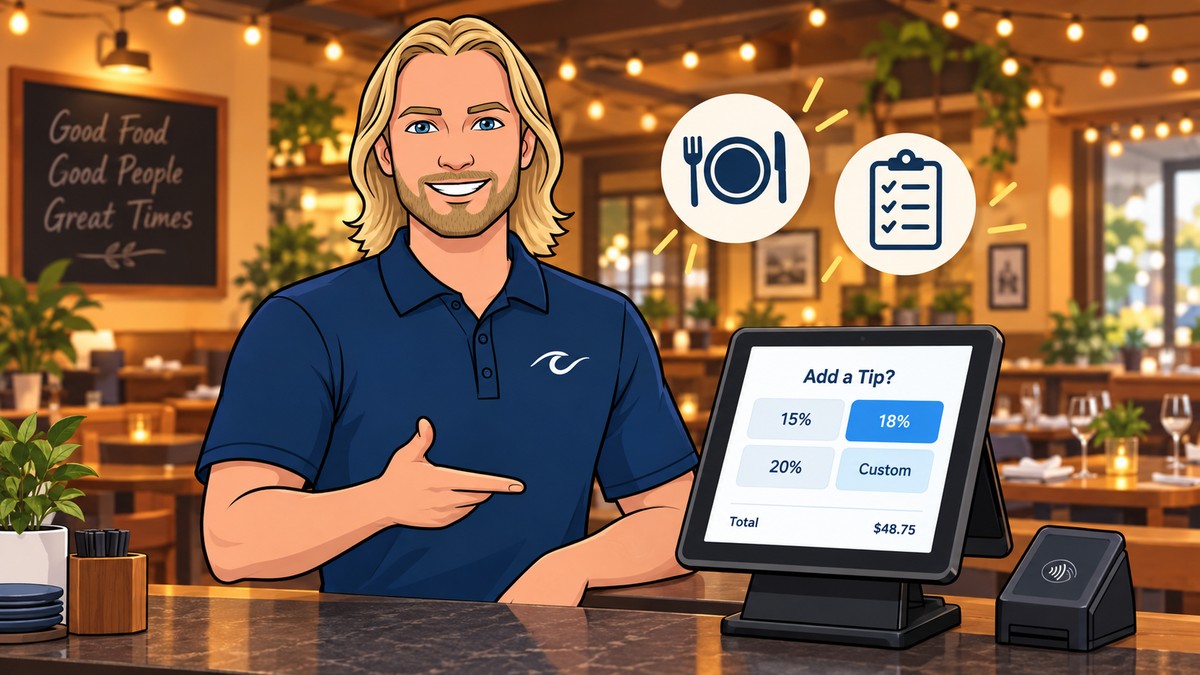
A retail store needs barcode scanning and returns management. A restaurant needs floor maps and tip tracking. If you run a service-based business like an auto detailer or a rental company, you might need specialized software that talks to your payments. For those in specialized niches, tools like the PayWavez Virtual Terminal allow you to take payments over the phone or via emailed invoices without needing a physical countertop POS.
For those specifically in the detailing or rental industries, educational resources like the Operator Lab provide deep dives into running a more efficient operation beyond just taking payments.
Conclusion
Finding the best POS system for small business requires looking past the brand name. Focus on the total cost of ownership, the ease of use for your staff, and the flexibility of the processing rates. If you are on the Gulf Coast and need a hands-on setup, check out our specialized support for Gulf Shores credit card processing to see how we help local merchants thrive.
Ready to see your own numbers?
Run your real card volume through the calculator or apply in about two minutes.