
POS & Hardware
How to Find the Best POS System for Your Small Business
The right point of sale (POS) system does more than just take payments; it manages your inventory, tracks your staff, and keeps your customers coming back. Choosing the best one depends on whether you run a retail shop, a busy restaurant, or a service-based business.
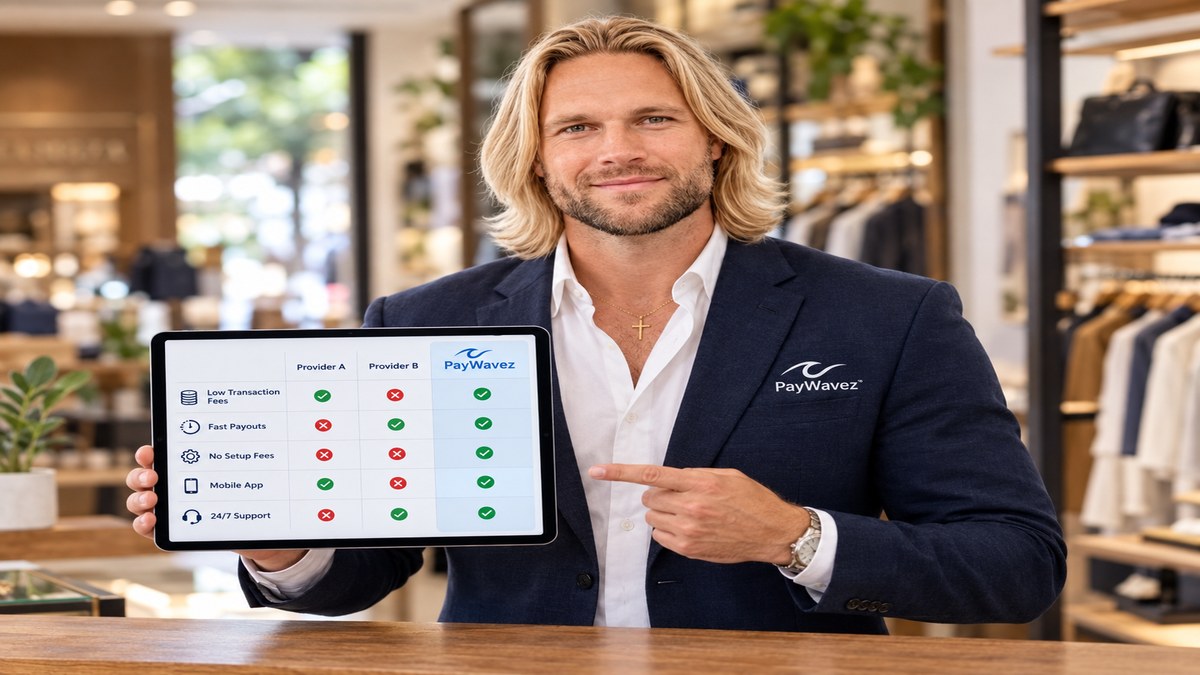
The best point of sale system for your small business is the one that fits your specific workflow without draining your bank account through hidden fees. For a coffee shop, that might mean a system with a fast interface for high-volume mornings. For a boutique, it might mean a system that tracks every size and color in the backroom. For a service provider in Gulf Shores, it might mean something portable that works on the go.
The Three Pillars of a Great POS
When you start shopping, it is easy to get distracted by fancy screens. However, most business owners eventually realize that three things matter more than anything else:
- Hardware Reliability: Does the screen freeze when the line is out the door?
- Software Features: Does it handle your specific needs, like split checks or inventory alerts?
- The Processing Rate: This is the "hidden" cost. A cheap POS system often forces you into expensive credit card processing rates that cost you thousands over time.
Most small businesses pay between $50 and $150 per month for POS software per station, but the real cost is often found in the 2.5% to 3.5% processing fees hidden in the fine print.
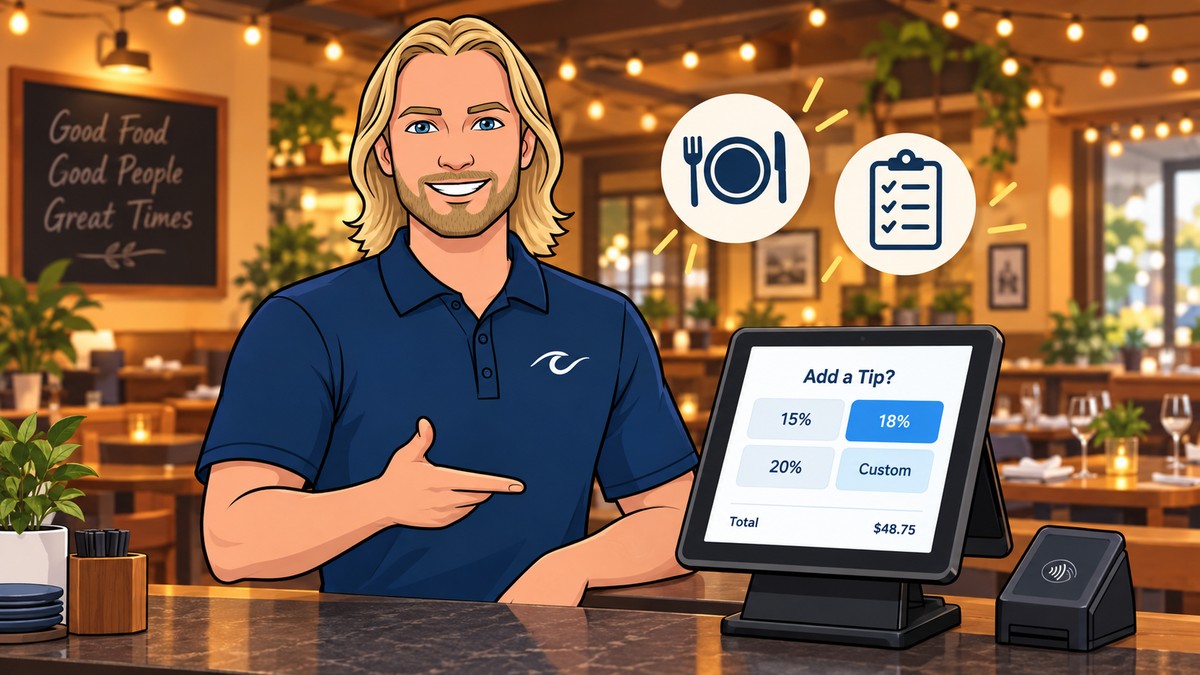
Comparing Popular POS Systems
Different systems excel in different environments. Here is a quick look at how the major players stack up for typical small businesses:
1. Clover: The Versatile All-In-One
Clover is often considered the gold standard for businesses that want a professional look and deep functionality. It is highly customizable with an "App Market" that lets you add features as you grow. At PayWavez, we offer Clover POS hardware because it balances ease of use with powerful back-office reporting. It works well for both retail and full-service restaurants.
2. Square: The Quick Starter
Square is famous for its simple setup. If you are selling at a farmers market or just starting out, the low barrier to entry is helpful. However, as your volume grows, Square's flat-rate pricing can become much more expensive than other options.
3. Toast: Built for Food
If you run a kitchen, Toast is a heavy hitter. It handles menus and kitchen display systems very well. Like Square, they often require you to use their specific processing, which limits your ability to shop for better rates later.
"Don't just buy a POS for the features you need today; buy it for the processing rates you can afford next year."
Why Processing Rates Matter More Than Software Fees
Many POS companies offer "free" or "cheap" hardware to get you to sign a contract. They make their money back by charging you higher percentages on every swipe. A business doing $50,000 a month in sales can save over $500 a month just by switching from a high flat rate to a transparent model like dual pricing.
Before you commit, it is a good idea to see a live demo of how the software handles daily transactions and how the fees are actually calculated on the backend. You can also explore our Alabama payment processing hub to see how local businesses are structuring their setups to keep more of their profit.
Ready to see your own numbers?
Run your real card volume through the calculator or apply in about two minutes.