
POS & Terminals
What Does a POS System Consist Of? A Complete Guide for Small Business Owners
Understanding the components of a point-of-sale system helps you avoid hidden fees and choose the right tools to grow your business effectively.

What does a pos system consist of is a question every new business owner asks before they open their doors. At its simplest level, a Point of Sale (POS) system is where your customers pay for your products or services. But in 2026, it is much more than just a fancy cash register. It is a combination of hardware, software, and payment processing services that work together to keep your business running smoothly. For small business owners in the US, choosing the right components can mean the difference between a high-profit year and a year spent drowning in confusing processing fees.
The Hardware: What You Touch and See
The hardware is the physical part of your POS system. This is what you and your employees will interact with every day. Most modern systems are built around a central terminal. This might be a dedicated POS computer, a tablet like an iPad, or a handheld smart terminal. If you are running a storefront in Gulf Shores, you might need a mix of stationary and mobile hardware to handle customers at the counter and on the floor.
Beyond the main screen, you usually need a card reader. These days, a card reader must be able to handle three things: magnetic stripes (swiping), EMV chips (dipping), and NFC (tapping for Apple Pay or Google Pay). If you don't have an EMV-compliant reader, your business could be held liable for certain types of fraudulent transactions. Other common hardware pieces include receipt printers, cash drawers, and barcode scanners. While many businesses are moving toward digital receipts, having a physical printer is still a requirement for many customers who want a paper trail.
Key Takeaway: Modern POS hardware must support EMV chip and NFC contactless payments to ensure security and meet current industry standards for fraud protection.
The Software: The Brains of the Operation
The software is what makes the hardware useful. It is the interface where you ring up items, apply discounts, and manage your inventory. There are two main types of POS software: on-premise and cloud-based. On-premise software is installed on your local computers, while cloud-based software runs on the internet. Most small businesses today prefer cloud-based systems because they allow you to check your sales data from anywhere using a smartphone.
Good software should do more than just add up prices. It should track your inventory in real-time so you know when to reorder supplies. It should also have employee management tools, allowing your staff to clock in and out directly through the terminal. For service-based businesses, software that includes scheduling or tipping features is essential. When you look at a live demo of a modern system, you will see how these features integrate to save you hours of manual paperwork each week.
What does a pos system consist of for payment processing?
This is the most critical part of the system for your bottom line. Payment processing is the invisible bridge between your POS and the bank. When a customer taps their card, the POS software sends a message to your merchant account provider. They then talk to the card networks (like Visa or Mastercard) and the customer's bank to make sure the funds are available. This all happens in a matter of seconds.
As a business owner, you need to understand the costs involved here. Processing fees are usually split into three parts: interchange fees (paid to the bank), card brand fees (paid to Visa/Mastercard), and the processor's markup. Many big-name processors charge a high flat rate that eats into your margins. At PayWavez, we focus on transparency. We help businesses understand exactly what they are paying for and how to implement programs like dual pricing or surcharging to keep more of their hard-earned money.
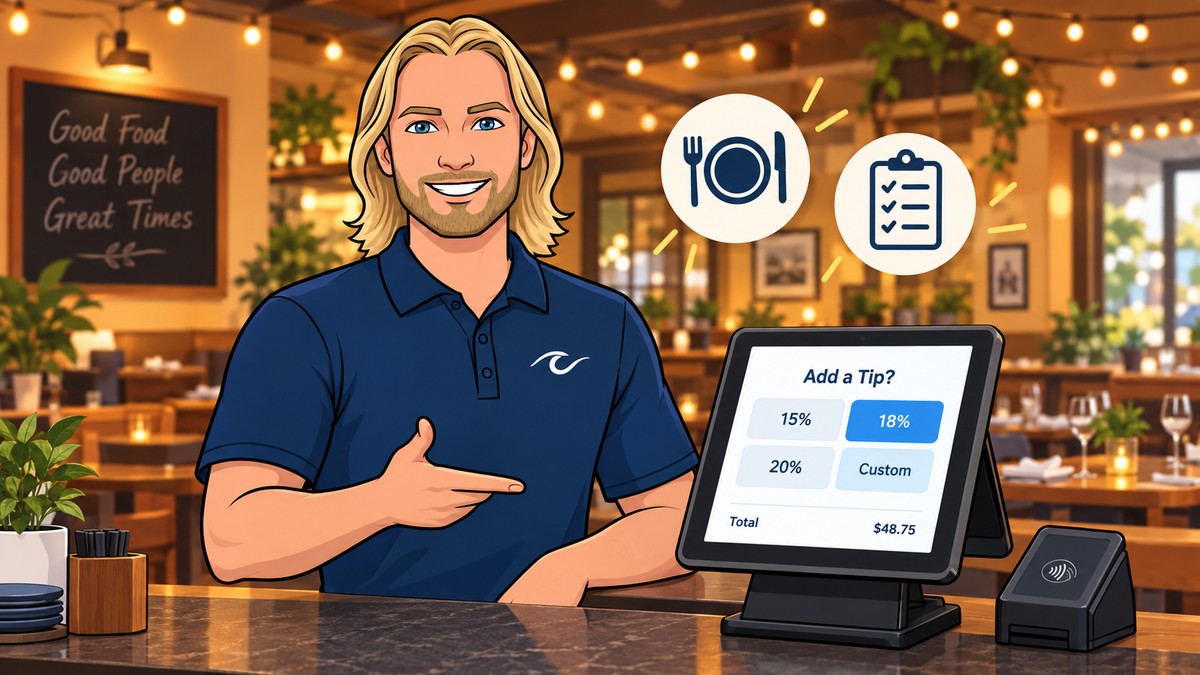
A point-of-sale system is no longer just a tool for taking money; it is the central nervous system that connects your inventory, your staff, and your bank account.
Merchant Accounts and the Backend Connection
You cannot accept credit cards without a merchant account. This is a special type of bank account that holds funds from credit card sales before they are deposited into your regular business checking account. Some POS companies act as "aggregators," meaning they lump all their clients into one giant merchant account. This is often why businesses experience sudden account freezes or fund holds.
Having your own dedicated merchant account is usually safer for long-term business health. It provides more stability and often lower rates for businesses with higher volume. When setting up your system, you will need to provide your business tax ID and banking information to get this account approved. In areas with high seasonal traffic, like our Alabama payment processing clients, having a stable account ensures you never miss a sale during the busy summer months.
Surcharging and Cash Discount Features
One of the most important components of a modern POS system is the ability to manage fee-reduction programs. Credit card processing fees can cost a business 3% or more of every sale. To fight this, many owners are now using surcharging or cash discount programs. A surcharge is a small fee added to a credit card transaction to cover the processing cost. A cash discount is when you offer a lower price to customers who pay with greenbacks.
Your POS system must be programmed correctly to handle these. There are strict legal rules and card brand regulations about how these fees are displayed on receipts and at the point of sale. If your hardware and software aren't built for it, you could face fines. PayWavez specializes in setting up these systems so they are 100% compliant, allowing you to offset your processing costs legally and transparently.
Security and PCI Compliance Components
Security is not just a "feature"; it is a core component of what a POS system consists of. Every business that accepts cards must follow PCI DSS (Payment Card Industry Data Security Standard) rules. Your POS system helps you stay compliant by encrypting card data the moment it is swiped or tapped. This means the actual card number is never stored on your local device where it could be stolen by hackers.
Modern systems also use tokenization. This replaces sensitive data with a unique "token" that is useless to thieves. When you choose a POS, make sure the provider handles the bulk of the PCI compliance paperwork for you. This reduces your risk and protects your customers' private information. If you ever face a chargeback—a dispute where a customer claims they didn't make a purchase—your POS records will be your first line of defense in proving the transaction was legitimate.
Ready to see your own numbers?
Run your real card volume through the calculator or apply in about two minutes.