
Equipment & Tech
How Mobile Debit Card Processing Works for Small Businesses
Mobile debit card processing allows you to accept secure payments anywhere using a smartphone or tablet paired with a small card reader.
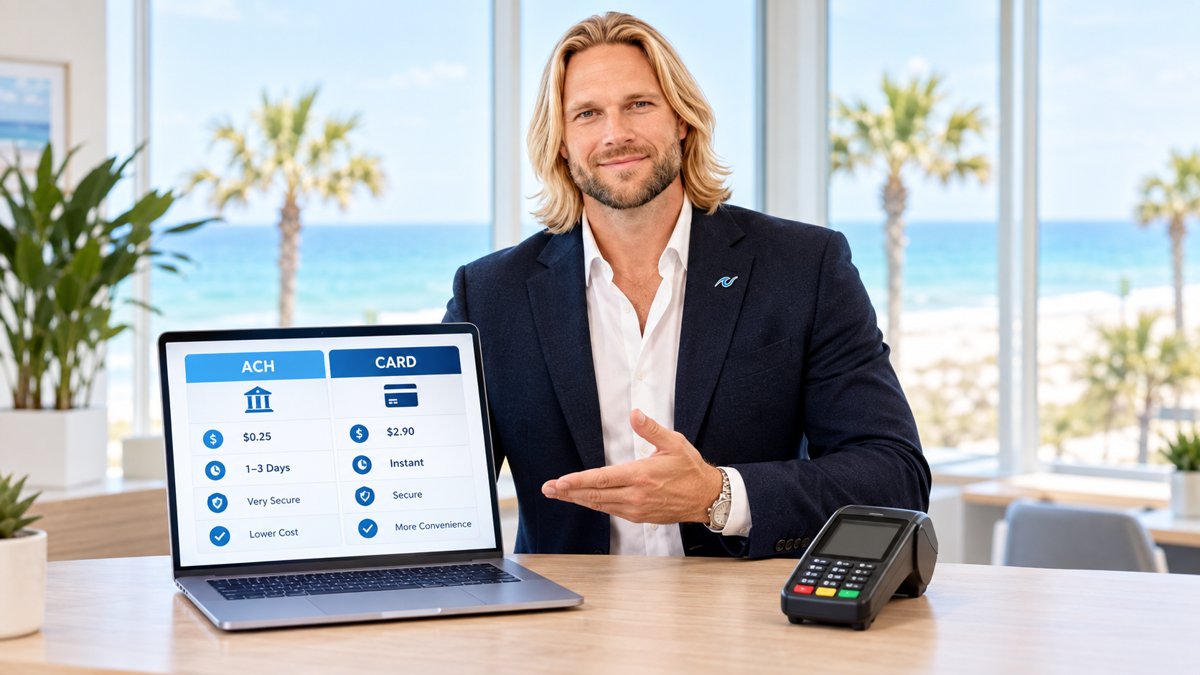
If you run a business that moves—like a food truck, a landscaping service, or a mobile pet groomer—you cannot be tied to a front desk. You need a way to take payments wherever your customers are. That is where mobile debit card processing comes in. It turns your phone into a secure checkout counter.
Before diving into the hardware, it is helpful to understand the basics of credit card processing for mobile business. Taking a payment in the field is different than taking one in a store, but the security and speed should be exactly the same.
What is Mobile Debit Card Processing?
Mobile processing uses a mobile app and a small piece of hardware called a card reader. The reader connects to your phone or tablet via Bluetooth or a headphone jack. When a customer swipes, dips, or taps their debit card, the app sends the encrypted data to the payment processor. Within seconds, the transaction is approved or declined.
For many business owners in the Southeast, from our Alabama payment processing hub to local shops using Pensacola credit card processing, this flexibility is the difference between closing a sale and losing a customer who doesn't carry cash.
The Key Components of a Mobile Setup
- A Mobile Device: A smartphone or tablet with an active data plan or Wi-Fi connection.
- A Card Reader: A device like the Clover Go, which fits in your pocket and handles chip (EMV), swipe, and contactless (NFC) payments.
- A Payment App: The software that allows you to enter the sale amount, calculate tax, and send digital receipts.
- A Merchant Account: The backend service that moves the money from the customer's bank to yours.
Mobile processing isn't just a backup plan; for many modern businesses, it's the entire storefront.

Mobile Readers vs. Countertop Terminals
Choosing between a mobile reader and a traditional countertop terminal depends on how you interact with your customers. A mobile reader is perfect for line-busting or service calls. However, if you have a fixed retail location with high volume, a countertop terminal might be more durable and offer faster printing for physical receipts.
Many businesses actually use both. They keep a main terminal at the counter but have a mobile reader ready for sidewalk sales or deliveries. You can see how these different systems look and feel by checking out our live demo of modern payment hardware.
Is Mobile Processing Secure?
A common concern is whether mobile devices are safe for sensitive bank data. Modern mobile card readers use end-to-end encryption. This means the card data is scrambled the instant it touches the reader. It never actually "lives" on your phone, so even if you lose your phone, your customers' data is not at risk.
Setting Up Your Mobile System
Getting started is simpler than most people think. First, you need to choose a processor that offers transparent rates. Avoid companies that hide fees in long contracts. Once you have your account, you simply download the app, pair your reader via Bluetooth, and you are ready to sell.
If you are unsure which hardware fits your specific workflow, it helps to look at how other mobile businesses handle their payments. The goal is to make the checkout as invisible as possible so you can focus on your service.
Ready to see your own numbers?
Run your real card volume through the calculator or apply in about two minutes.