
Mobile Payments
Cell Phone Credit Card Processing: The Complete 2026 Small Business Guide
Taking payments on the go is no longer just for food trucks; it is a necessity for every modern service business. Here is how to set up mobile processing without getting buried in fees.
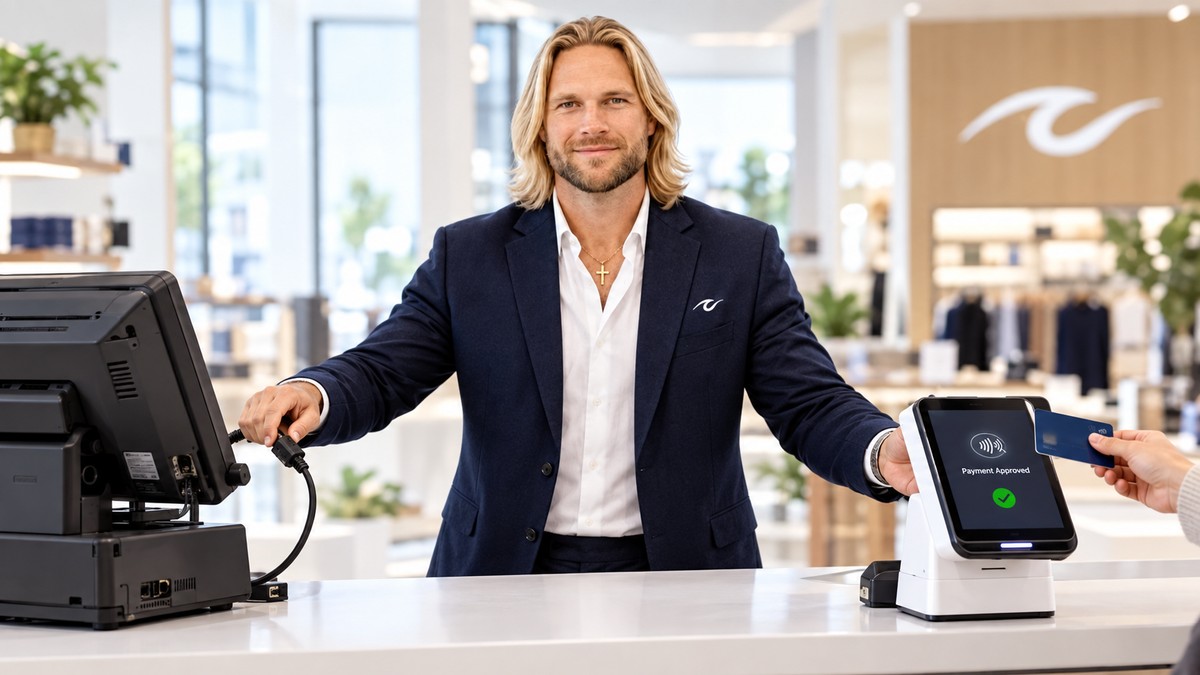
Cell phone credit card processing is the ability for a business owner to accept secure payments using a smartphone or tablet. In the past, you needed a heavy machine plugged into a wall to take a card. Today, your phone can do everything that a big cash register used to do. If you want to learn more about the specifics of running a mobile business, you should read our guide on credit card processing for mobile business to see how different industries handle these tools.
What is Cell Phone Credit Card Processing?
At its simplest, cell phone credit card processing involves three things: a smartphone, a payment app, and a card reader. The card reader usually connects to your phone using Bluetooth. When a customer wants to pay, you open the app, enter the amount, and the customer taps or dips their card into the reader. The app sends the data to the payment processor, and within seconds, the sale is approved. This setup is perfect for plumbers, landscapers, food trucks, and even retail stores that want to bust lines during busy hours.
According to industry research, mobile point-of-sale (mPOS) transactions are expected to grow by over 15% annually as more service-based businesses ditch traditional landline terminals.
How Mobile Card Readers Work
Most mobile card readers today are "EMV-compliant." EMV stands for Europay, Mastercard, and Visa. These are the little chips on the front of credit cards. Using a chip reader is much safer than swiping the magnetic stripe. When you use cell phone credit card processing, the chip reader creates a unique code for that specific transaction. This makes it much harder for hackers to steal credit card numbers. Many mobile readers also support "contactless" payments, like Apple Pay or Google Pay. This allows customers to just tap their phone against your reader to pay instantly.
The Real Cost: Understanding Processing Fees
Many business owners get confused by the fees associated with mobile payments. Usually, you will see three types of costs. First, there is the cost of the hardware, which is the physical reader you buy. Second, there is a monthly fee for the software or merchant account. Third, and most importantly, there are the transaction fees. These are usually a percentage of the sale plus a few cents (like 2.9% + $0.10). It is important to know if you are on a "flat-rate" plan or an "interchange-plus" plan. Interchange-plus is often cheaper because it shows you exactly what the banks are charging versus what the processor is taking as profit.
The best mobile payment setup isn't just about the reader you hold in your hand; it is about the merchant account and fee structure sitting behind it.
Choosing the Right Merchant Account for Mobile
Not all merchant accounts are created equal. Some companies will give you a free card reader but then charge you very high fees on every sale. Others might have a monthly fee but offer much lower rates. If you are a high-volume business, the monthly fee is usually worth it to get the lower rates. You also want to make sure your processor offers good support. If your app stops working while you are at a job site in Mobile, Alabama, you need to be able to call someone and get it fixed right away. Reliability is just as important as the price.
Dual Pricing and Surcharging on the Go
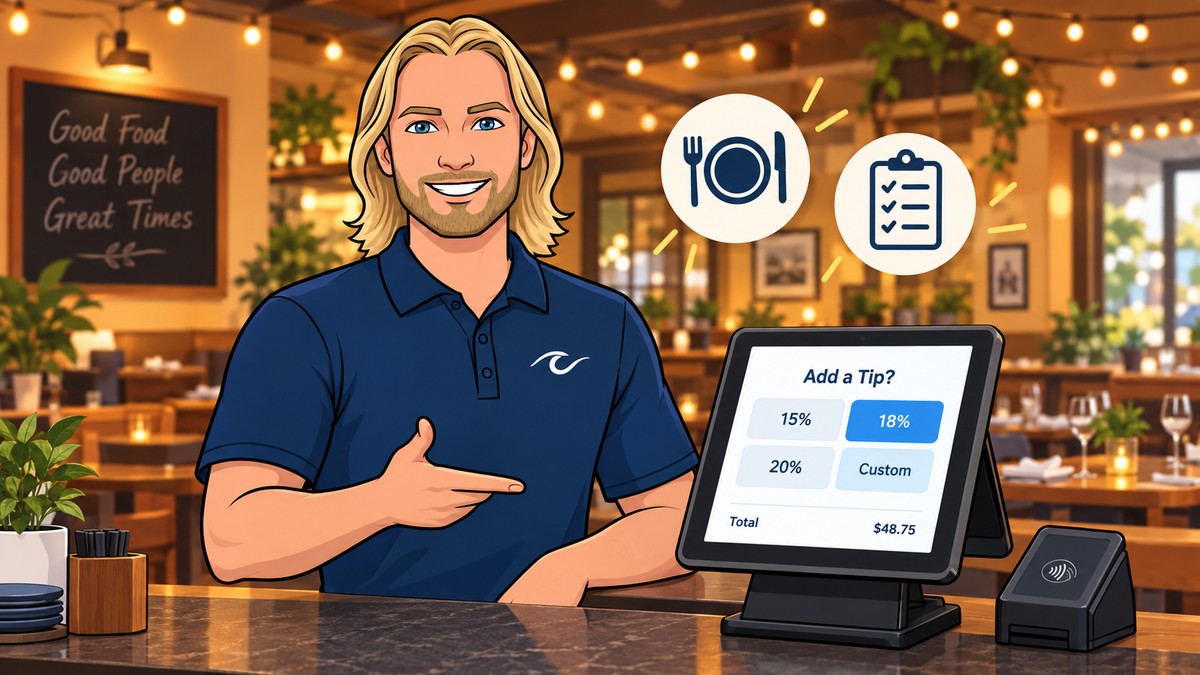
One of the biggest trends in 2026 is passing the processing fees on to the customer. This is often called surcharging or dual pricing. With cell phone credit card processing, your app can automatically calculate a small fee (usually around 3% to 4%) and add it to the total if the customer chooses to pay with a credit card. If they pay with cash, they get a lower price. This helps small businesses keep 100% of their profit. PayWavez specializes in setting up these programs so they are legal and easy to use. You can see how this looks in action by viewing our live software demo.
Security and Chargeback Prevention
When you take payments in the field, you have to be careful about chargebacks. A chargeback happens when a customer tells their bank they didn't authorize a charge. To prevent this, always use a chip reader instead of typing in card numbers manually. Manually entered sales have higher fees and higher risk. You should also make sure your mobile app allows you to send digital receipts via email or text. Having a record of the sale and a customer's signature can help you win a dispute if a customer tries to claim they never bought anything from you. Security is a top priority for any business accepting Alabama payment processing services.
Setting Up Your Mobile POS
A Point of Sale (POS) system is the software that manages your sales. For mobile businesses, your phone becomes the POS. You can track inventory, manage customer lists, and even see sales reports from previous months. Setting this up is usually as easy as downloading an app and signing in. Once your merchant account is approved, you pair your Bluetooth reader, and you are ready to go. If you are moving from a traditional storefront to a mobile setup, you might find that the mobile tools are actually more powerful and easier to use than your old desktop computer.
Conclusion: Moving Your Business Forward
Cell phone credit card processing is the ultimate tool for flexibility. It allows you to meet your customers wherever they are, whether that is at a craft fair, a customer's home, or a pop-up shop. By choosing the right partner and understanding your fees, you can grow your business without losing your margins to processing costs. For more detailed strategies on how to optimize your mobile setup, revisit our deep dive on credit card processing for mobile business and start taking control of your payments today.
Ready to see your own numbers?
Run your real card volume through the calculator or apply in about two minutes.