
Fees & Rates
How to Switch from Square to a Lower Cost Processor Without Losing Sales
If your business is growing, Square’s flat-rate pricing might be costing you thousands in unnecessary fees. Switching to a processor with dual pricing or interchange-plus rates is the fastest way to keep more of your revenue.

Square is a popular choice for new businesses because it is easy to set up. However, as your sales volume grows, that simplicity comes with a high price tag. Square typically charges a flat percentage for every transaction, regardless of whether the customer uses a basic debit card or a high-rewards credit card. This means you are often paying the same high rate for low-cost transactions.
To lower your costs, you need to move toward a model that offers more transparency, such as dual pricing or interchange-plus. By switching to a dedicated merchant account, you can often reduce your effective rate significantly. You can explore how these more affordable options look in action by viewing our live demo.
Why Square Becomes Expensive as You Grow
The main issue with flat-rate processing is that it is designed for the processor’s profit, not yours. When a customer pays with a debit card, the actual cost to process that transaction is very low. Square still charges you their full flat rate, pocketing the difference. When you reach a certain volume—usually around $5,000 to $10,000 per month—the "convenience fee" of using Square starts to outweigh the benefits.
Key Takeaway: Flat-rate processors like Square often have an effective rate between 2.6% and 3.5%. Many businesses that switch to a dedicated merchant account with dual pricing can lower their out-of-pocket processing costs to nearly zero.
How to Switch Without the Headache
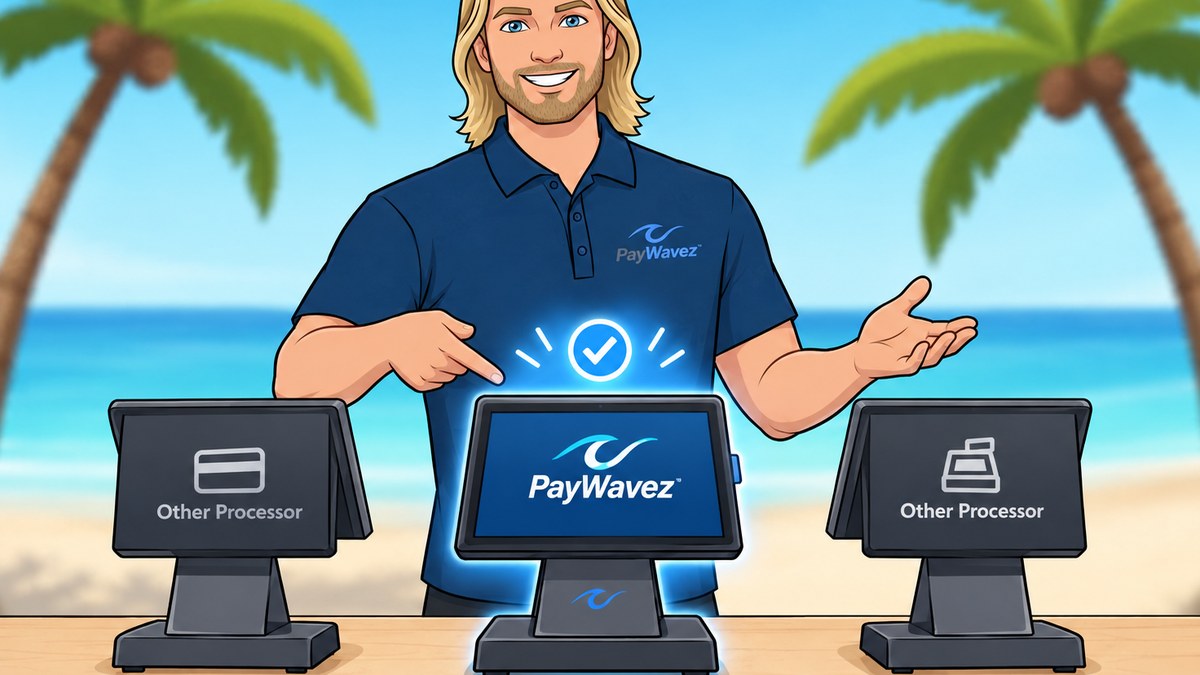
Many business owners stay with Square because they fear the transition will be difficult or that they will lose their data. However, the process is more straightforward than it used to be. PayWavez offers a specialized Square account transfer service designed specifically to help you move your setup over. This tool helps you transition your settings while implementing dual pricing options that Square doesn't naturally offer in the same way.
Step 1: Audit Your Current Statements
Before you make the jump, look at your last three months of Square reports. Calculate your "effective rate" by dividing your total fees by your total sales volume. If that number is higher than 2.5%, you are likely overpaying. This audit gives you a baseline to compare against new quotes.
Step 2: Choose Your New Pricing Model
Most businesses looking for lower costs choose one of two paths:
- Dual Pricing: This allows you to offer a lower price for cash/debit and a standard price for credit cards, effectively passing the processing cost to the consumer.
- Interchange-Plus: You pay the direct cost from the card brands plus a small, transparent markup.
"The secret to lower processing fees isn't finding a lower flat rate; it's moving away from flat rates entirely so you only pay for the specific technology and risk associated with each card type."
Step 3: The "Parallel Run" Strategy
Do not cancel your Square account the moment you sign a new contract. Instead, set up your new hardware and software while keeping Square as a backup for the first 48 hours. This ensures that if there are any configuration issues with your new system, you can still take payments and avoid any downtime.
Local Support for the Transition
For businesses in the Southeast, having a local partner can make the switch much easier. If you are looking for credit card processing in Pensacola or across the Alabama Gulf Coast, having a technician who can walk into your shop and help with the hardware setup is an advantage Square simply doesn't provide.
Making the move from Square to a lower-cost processor is one of the simplest ways to increase your profit margins. By using tools like the PayWavez Square transfer service, you can keep the features you like while losing the high fees you don't. Once you see the difference in your monthly statement, you'll wonder why you didn't switch sooner.
Ready to see your own numbers?
Run your real card volume through the calculator or apply in about two minutes.