
Mobile Payments
Accepting Credit Card Payments on Your Phone: A Practical Guide
Turning your smartphone into a payment terminal is one of the fastest ways to grow your business. Whether you are at a trade show or a client's front door, here is how phone payment processing actually works.
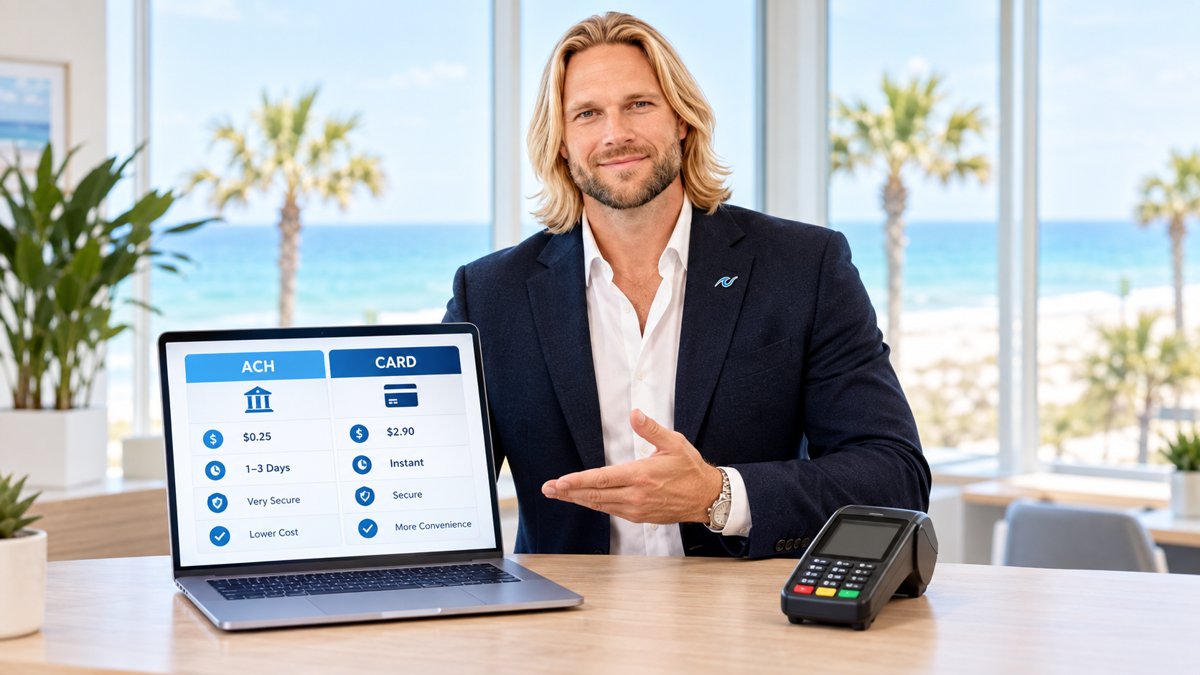
You do not need a heavy, wired cash register to run a professional business anymore. Today, any smartphone or tablet can become a fully functional credit card terminal. This shift has leveled the playing field for mobile service providers, artisans, and boutique owners who need to take payments wherever their customers are.
Before you dive in, it is important to understand that not all phone processing is the same. Check out our previous guide on credit card processing for phones for more technical details on hardware compatibility. In this guide, we will focus on the practical steps to get started and how to keep your costs low.
The Three Ways to Process Payments on a Phone
When people talk about "phone payment processing," they are usually referring to one of three different methods. Each has its own cost structure and setup process.
1. Mobile Card Readers (Bluetooth or Plug-in)
This is the most common method. You connect a small piece of hardware to your phone via the headphone jack, charging port, or Bluetooth. You then use an app to ring up the sale and the customer swipes, inserts, or taps their card on the reader.
2. Tap to Pay (NFC)
Many modern iPhones and Android devices now support "Tap to Pay" directly on the phone without extra hardware. The customer simply holds their card or digital wallet (like Apple Pay) near your phone, and the built-in chip handles the transaction. This is incredibly convenient for quick sales.
3. Virtual Terminals and Manual Entry
If you don't have a reader and your phone doesn't support NFC, you can type the card number directly into a secure app. While this works in a pinch, it is usually the most expensive way to process because banks view "keyed-in" transactions as higher risk.
Business owners can save up to 1% per transaction by using a physical reader or Tap to Pay instead of manually typing in card numbers, as "card-present" rates are significantly lower than "keyed" rates.
Mobile Readers vs. Countertop Terminals
If you have a physical storefront, you might wonder if you should stick with a traditional countertop terminal or switch entirely to phone-based processing. Here is a quick comparison to help you decide:
- Portability: Phones win easily. If you do deliveries or service calls, a phone is essential.
- Reliability: Countertop terminals often have Ethernet backups. Phones rely on cellular data or Wi-Fi, which can be spotty at crowded events.
- Customer Perception: High-volume retail stores often benefit from the "official" look of a countertop terminal, while modern boutiques and cafes often prefer the sleek look of a tablet or phone.
- Receipts: Most phone systems send receipts via email or text. Countertop units usually have built-in paper printers.
"Switching to phone-based processing allowed our field technicians to collect payment the moment a job was finished, which completely eliminated our late-payment headaches."

Cost Considerations for Mobile Processing
One mistake many small businesses make is assuming all mobile processing costs the same. Most "big name" mobile processors charge a flat rate that looks simple but can actually be quite expensive as you grow. For businesses processing more than $5,000 a month, a transparent interchange-plus model—like what we offer at PayWavez—is almost always cheaper than a flat-rate mobile app.
If you find yourself needing to take payments over the phone while sitting at your desk, you might prefer using our Virtual Terminal, which allows you to turn your computer or phone into a secure payment portal without needing the customer to be physically present.
Security and Compliance
Is it safe to take payments on a phone? Yes, provided you use a PCI-compliant app. The card data is encrypted the moment it touches the reader or the NFC sensor. It is never actually stored on your phone's hard drive, which protects you and your customer if your phone is ever lost or stolen.
Choosing the right setup depends on your specific workflow. Whether you choose a dedicated mobile reader or use your phone's built-in NFC features, the goal is to make the checkout process as frictionless as possible. For a deeper dive into specific hardware, revisit our resource on credit card processing for phones.
Ready to see your own numbers?
Run your real card volume through the calculator or apply in about two minutes.