
POS Hardware
Point of Sale Terminal Examples: Finding the Right Fit for Your Business
Choosing the right hardware is just as important as choosing your processor. We look at real-world point of sale terminal examples to help you decide between mobile flexibility and countertop stability.
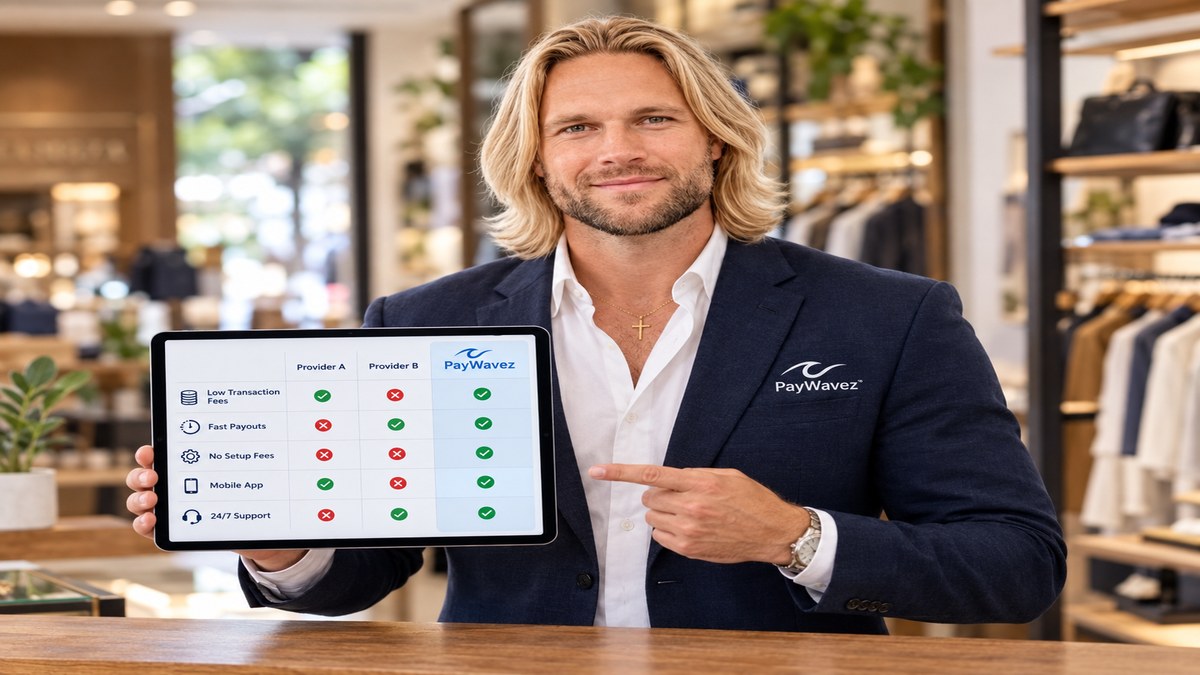
When you start looking for a way to take credit cards, you quickly realize there is no single "standard" machine. The hardware you choose depends entirely on how you interact with your customers. For a deeper look at the basics, you can also check out our guide on examples of a POS system to see how software and hardware work together.
The Traditional Countertop Terminal
The countertop terminal is the classic credit card machine found at most retail checkouts. These are built for speed and durability. They usually sit in one place and connect to your internet via an Ethernet cable or a phone line.
Example: The Dejavoo Z11. This is a workhorse for small shops. It has a physical keypad, a bright screen, and a built-in printer. It is perfect for a business that handles a high volume of transactions at a single front desk. It doesn't take up much space, but it is fast enough to keep a line moving.
The Handheld Smart Terminal
Smart terminals are like smartphones for your business. They run on apps and usually have a large touchscreen instead of physical buttons. Because they have built-in Wi-Fi and often cellular data (LTE), you can take them anywhere in the store or out into the field.
Example: The Clover Flex. This is one of the most popular Clover devices because it does everything in one handheld unit. It can scan barcodes, print receipts, and take signatures on the screen. If you run a restaurant and want to take payments at the table, or if you provide services in customers' homes, this is often the best choice.
Key Takeaway: Mobile smart terminals can reduce checkout times by up to 20% by allowing staff to bust lines and take payments directly to the customer instead of making them wait at a counter.
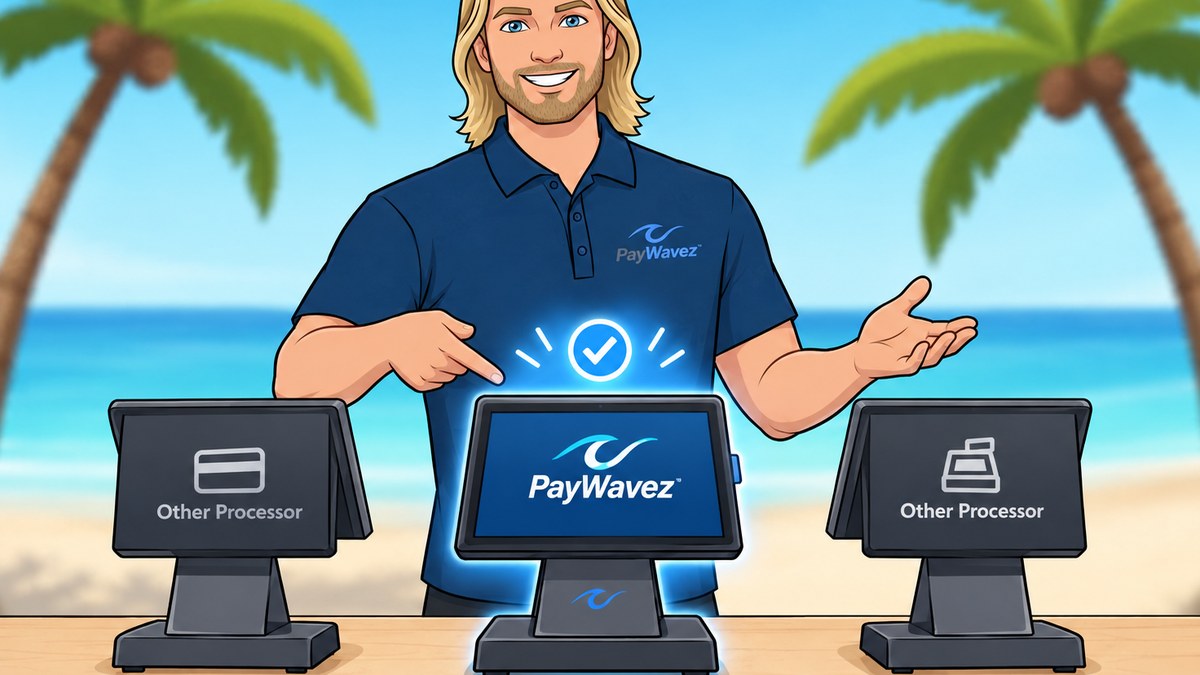
Full-Scale POS Stations
For businesses that need to manage inventory, track employee hours, and handle complex orders, a simple terminal isn't enough. You need a full station. These usually include a large tablet-style screen, a cash drawer, and a separate printer.
Example: The Clover Station Duo. This setup features a large screen for the merchant and a smaller screen for the customer. This transparency builds trust because the customer can see exactly what they are being charged as the items are rung up. It is a common sight in coffee shops, boutiques, and full-service restaurants.
"The best terminal isn't the one with the most features; it's the one that removes the most friction from your specific checkout process."
Virtual Terminals for Remote Sales
Not every point of sale terminal is a physical piece of hardware. A virtual terminal is software that lets you turn your computer or phone into a credit card machine. You simply log in to a secure website and type in the customer's card information.
This is the ideal example for businesses that take orders over the phone or through the mail. It requires zero hardware costs and allows you to get paid instantly from anywhere with an internet connection.
Which One Fits Your Business?
To choose the right one, ask yourself where your customer is when they pay. If they come to you, a countertop model or a full station works best. If you go to them, or if you have a large floor space where you want to help customers on the spot, a mobile terminal is the winner.
If you are a local business owner in the Southeast, we can help you set up these systems in person. We provide specialized support for Gulf Shores credit card processing and other coastal communities through our Alabama locations hub. You can also see these devices in action by viewing our live demo.
Remember, the hardware is only half the battle. You also need a processor that offers transparent rates and reliable support. Whether you choose a classic terminal or a modern smart device, make sure it integrates seamlessly with your merchant account to avoid hidden fees and technical headaches. For more details on the variety of setups available, revisit our overview of point of sale examples.
Ready to see your own numbers?
Run your real card volume through the calculator or apply in about two minutes.