
Operations & Tech
How to Track Your Credit Card Sales Using a Merchant App
Running a business means you are often on the move, but you still need to know exactly how much money is coming in. A merchant app allows you to see every card transaction, manage your team, and handle refunds directly from your smartphone.
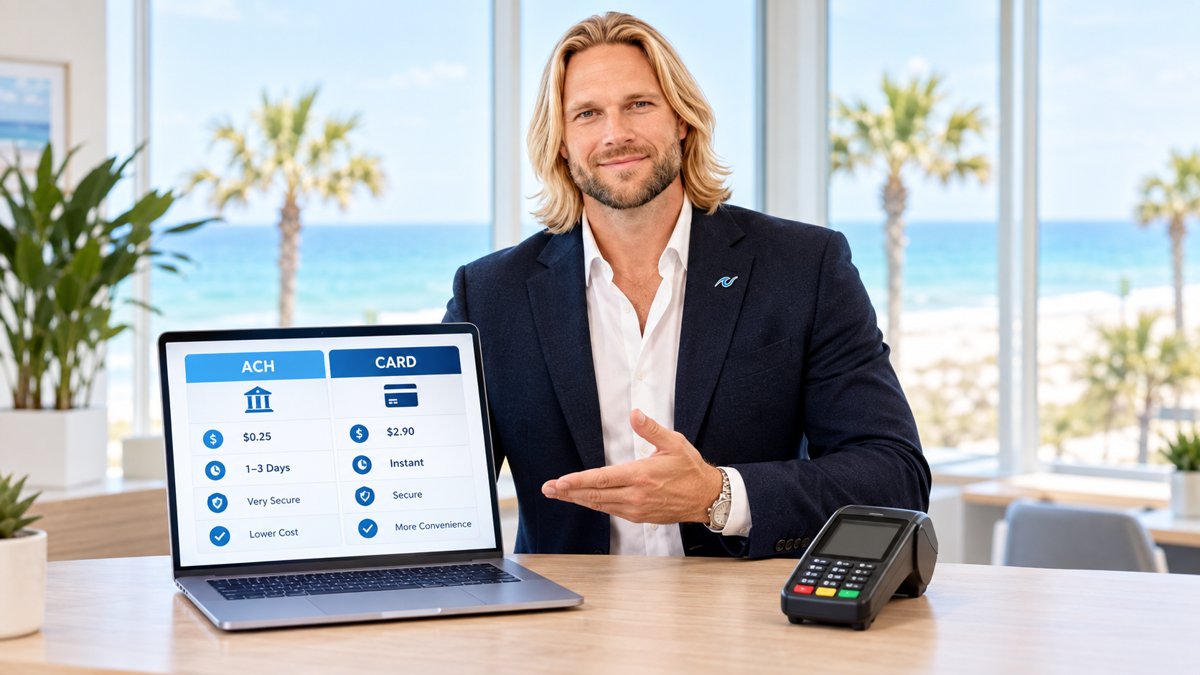
For many small business owners, the end of the day used to involve a pile of paper receipts and a clunky computer login to see if they hit their sales goals. Today, tracking your credit card payments is much simpler. By using a dedicated merchant app, you can turn your phone into a window into your business’s financial health.
Most modern payment processors provide these tools to help you manage operations without being tied to a desk. Whether you are at a job site, at home, or grabbing lunch, you can see real-time data as it happens. If you are looking for a better way to stay organized, the PayWavez merchant app is designed to give you this visibility with just a few taps.
Why Mobile Tracking Matters
Monitoring your sales in real-time isn't just about watching the numbers go up. It is about catching errors and making quick decisions. If a transaction looks unusual or a customer calls about a double-charge, you can address it immediately rather than waiting until the next business day.
Business owners who monitor their sales data daily are 25% more likely to identify and resolve billing discrepancies before they turn into costly chargebacks.
Mobile tracking also helps with cash flow planning. When you can see your "pending" vs. "settled" batches, you know exactly when funds will hit your bank account. This is especially helpful for businesses with high volume or seasonal swings, such as those working with Alabama payment processing solutions during the busy summer months.
How to Use the PayWavez Merchant App
Getting started with mobile tracking is straightforward. Once your merchant account is active, you can follow these steps to manage your payments:
- Log in securely: Use your encrypted credentials to access your dashboard.
- View the Dashboard: See a high-level summary of today’s total sales, the number of transactions, and your average ticket size.
- Drill into Transactions: Tap on any specific sale to see the time, card type (Visa, Mastercard, etc.), and whether it was a swiped or keyed entry.
- Issue Refunds: If a customer needs a return, you can find the original transaction and process a full or partial refund instantly.
- Monitor Multiple Locations: If you have more than one shop, you can toggle between them to see how each is performing.
If you want to see exactly how this interface looks in action, you can explore our live demo to get a feel for the reporting tools.
"You shouldn't have to wait until you're back at the office to know if your business had a good day. Real-time data belongs in your pocket."

Trade-offs: Mobile App vs. Desktop Portal
While a merchant app is incredibly convenient, it is important to know when to use it versus a full desktop computer. Apps are perfect for quick checks, simple refunds, and monitoring daily totals. However, for deep accounting work—like downloading year-end tax forms or running complex multi-month spreadsheets—the desktop version of your merchant portal is usually the better choice because it offers more screen space for large tables of data.
For local businesses in high-traffic areas, like those using Gulf Shores credit card processing, the app is a lifesaver during the tourist season. It allows managers to stay on the floor with customers while still keeping an eye on the register's performance.
Checklist for Choosing a Merchant App
Not all apps are created equal. When evaluating a tool to track your payments, ensure it includes these features:
- Real-time Syncing: The data should update the moment a card is dipped or tapped.
- Security: Look for biometric login (FaceID or fingerprint) and full encryption.
- Ease of Use: You should be able to find a specific transaction in under 10 seconds.
- Support Access: The ability to contact your processor directly through the app if something goes wrong.
Ready to simplify your backend? The PayWavez merchant app puts the power of a full-scale accounting department in the palm of your hand, helping you focus on growing your business instead of chasing down receipts.
Ready to see your own numbers?
Run your real card volume through the calculator or apply in about two minutes.