
Restaurant Operations
The Best Restaurant Credit Card Payment Software with Tipping
Finding the right payment software for your restaurant isn't just about swiping cards; it is about making sure your staff gets paid fairly and your customers have a smooth experience.
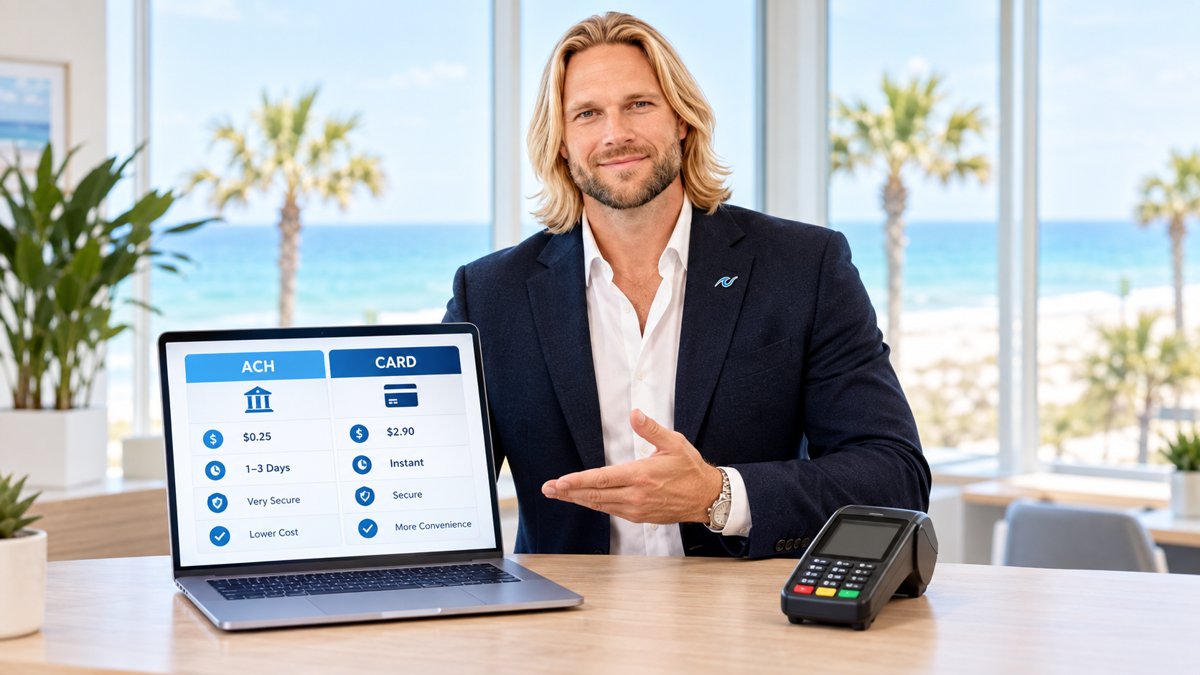
When you run a restaurant, your payment software is the heartbeat of your front-of-house. It needs to do more than just process a transaction. It needs to handle complex tipping scenarios, split checks, and keep the line moving. If you are looking for the best credit card processing companies for restaurants, you are likely comparing big names like Toast and Clover against more flexible options like PayWavez.
The Direct Answer: What Makes Software "The Best"?
The best restaurant payment software with tipping is the one that balances ease of use for the customer with low costs for the owner. Most modern systems now include "on-screen tipping," which prompts the customer to choose a percentage (usually 18%, 20%, or 25%) before they finish their payment. This single feature has been shown to significantly increase the average tip amount for servers compared to old-fashioned paper receipts.
However, software choice also depends on your specific needs. A full-service bistro in Gulf Shores needs different features than a quick-service coffee shop in a busy city center. You need a system that supports mobile handhelds for tableside ordering and a robust back-end for tip reporting.
Toast vs. Clover vs. PayWavez: A Cost and Feature Comparison
Most restaurant owners start their search by looking at Toast or Clover. Both are powerful, but they often come with "locked-in" contracts and processing fees that can eat into your margins. Here is how they stack up against PayWavez in a typical restaurant setting.
| Feature | Toast | Clover | PayWavez |
|---|---|---|---|
| Tipping Prompts | Excellent | Excellent | Excellent |
| Hardware Cost | High (Proprietary) | Medium | Low / Flexible |
| Monthly Fees | Starting at $0-$165+ | Varies by Reseller | Transparent / Low |
| Processing Rates | Flat Rate (Higher) | Flat Rate (Higher) | Interchange Plus or Dual Pricing |
Restaurants that switch from paper receipts to digital on-screen tipping prompts often see an average increase in tip totals of 15% to 20%.
While Toast and Clover offer great software, they often require you to use their specific credit card processing. This means you cannot shop around for better rates. PayWavez allows for more flexibility, including our Dual Pricing program, which helps you offset the cost of processing fees entirely by offering a small discount to customers who pay with cash.

Essential Tipping Features Your Software Needs
Before you sign a contract, make sure your software can handle these three specific tipping functions:
- Tip Adjustment: The ability for a manager or server to adjust a tip later if a mistake was made or if a customer adds a tip to a paper receipt after the card was run.
- Handheld Tipping: If you use mobile terminals, the tipping screen must be easy for the customer to read while the server is standing there. It should be fast and private.
- Tip Pooling and Reporting: Your software should generate a report at the end of the night that shows exactly how much each server earned, making it easy to distribute tips to busboys or bartenders.
"The goal of restaurant technology should be to get the computer out of the way so the server can focus on the guest experience."
How to Avoid Overpaying for Restaurant Software
Many software companies hook you with a low monthly "software fee" but then charge very high percentages on every credit card swipe. For a high-volume restaurant, a difference of just 0.5% in your processing rate can equal thousands of dollars a year. This is why many owners are moving toward transparent models. You can see how this works in action by viewing our live demo.
If you operate multiple locations, perhaps across the Alabama payment processing landscape, you also need a system that lets you manage all your stores from one dashboard. You shouldn't have to log into five different websites to see your daily sales and tip totals.
Final Thoughts on Choosing Your System
The best software for your restaurant is the one that fits your workflow. If you want a "set it and forget it" system and don't mind paying higher fees, Toast is a strong choice. If you want more control over your hardware and want to keep more of your revenue, a flexible processor like PayWavez is often the better financial move. For a deeper dive into the specific providers, check out our guide on the best credit card processing companies for restaurants.
Ready to see your own numbers?
Run your real card volume through the calculator or apply in about two minutes.