
Security & Trust
Merchant Services Scams: Common Red Flags and How to Protect Your Business
If you receive a high-pressure call about a 'mandatory' terminal upgrade or a rate that sounds too good to be true, you might be the target of a merchant services scam.
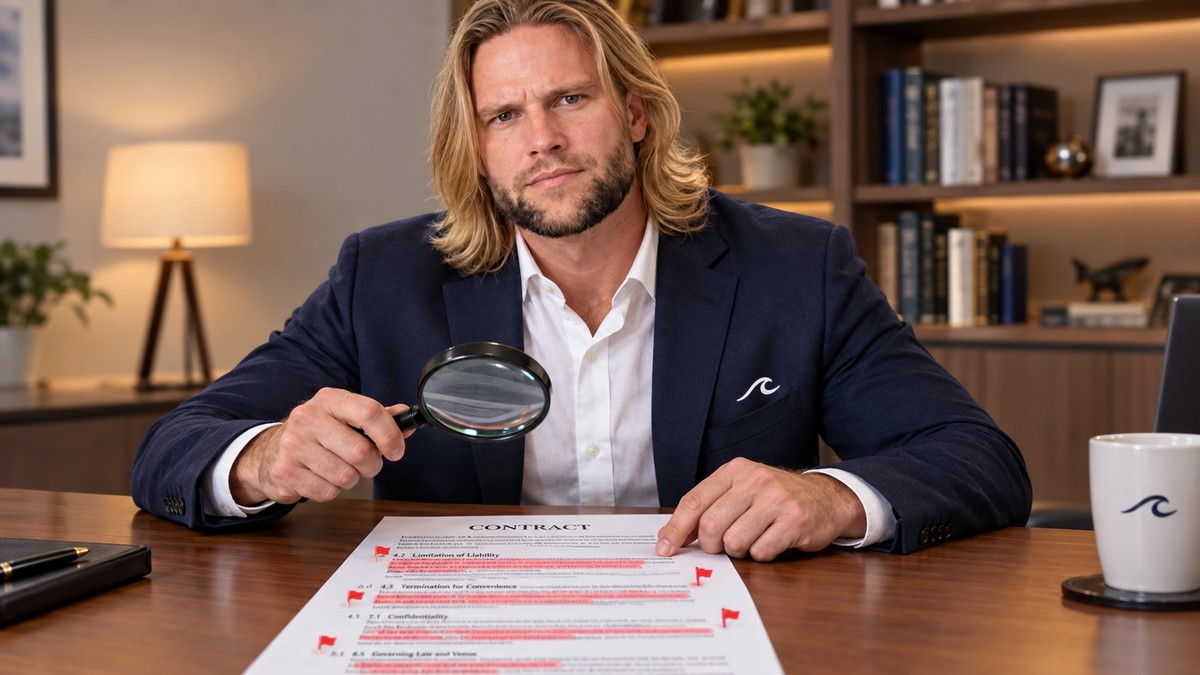
Running a small business is hard enough without having to worry about predatory sales tactics. Unfortunately, the payment processing industry is known for aggressive telemarketing and misleading contracts. If you have ever wondered if a specific offer is a merchant services scam, you are right to be cautious.
Scammers often target busy business owners with high-pressure calls, claiming to be from "the merchant department" or "Visa/Mastercard headquarters." Their goal is to get you to sign a long-term contract or lease equipment you don't need. Before you share any statement data or sign a new agreement, let's look at the most common red flags.
1. The 'Mandatory' Equipment Upgrade
This is one of the most frequent scams. A caller claims that your current credit card terminal is about to become obsolete or illegal. They might say you need a new device to stay compliant with PCI standards or EMV (chip card) rules. While technology does evolve, these changes are rarely an overnight emergency. Most modern terminals, like those shown in our live product demo, are built to last for years with simple software updates.
2. The 'Free' Terminal Trap
Nothing is truly free. When a processor offers a free terminal, they often hide the cost in a much higher monthly fee or a non-cancelable equipment lease. In some cases, you might end up paying $2,000 over three years for a device that retails for $300. Always ask for the total cost of ownership over the life of the contract.
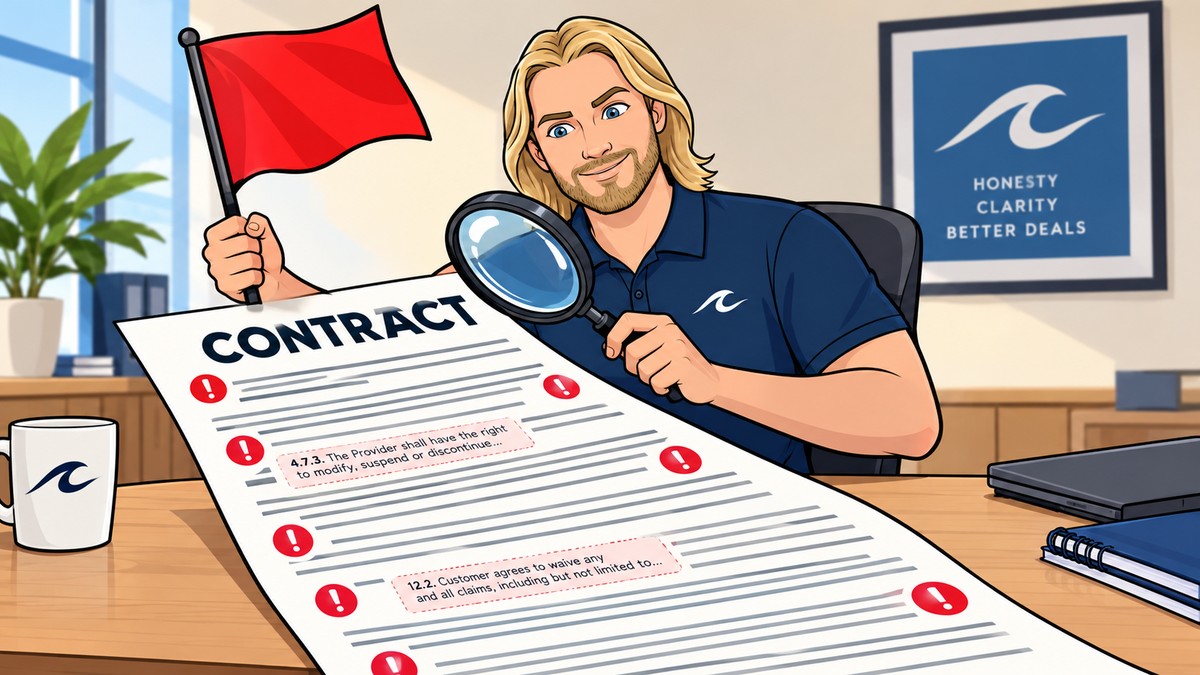
Key Red Flag: If a salesperson refuses to send you a full copy of the Terms and Conditions before you sign, walk away. Legitimate processors always provide the fine print upfront.
3. The 'Wholesale' Rate Guarantee
Be wary of anyone promising "wholesale rates" or "zero percent processing." Often, these companies use a bait-and-switch tactic. They offer a low introductory rate on a few types of cards but charge massive markups on everything else. They might also add junk fees like "statement fees," "PCI non-compliance fees," or "regulatory oversight fees" that quickly erase any promised savings.
"The most dangerous contract is the one that promises the lowest rate but hides the highest exit fees."
4. Impersonating Major Brands
Scammers often pretend to be calling from your current bank or a major card brand like Visa. Remember: Visa and Mastercard do not provide merchant accounts directly to small businesses. They are card networks, not processors. If someone calls claiming to be from "the bank" but doesn't know your name or account details, it is likely a scam.
How to Protect Your Business
If you are feeling pressured, the best thing you can do is hang up and do your own research. You can check out our detailed guide on merchant services scams and red flags to see more specific examples of what to avoid. If you are located in the Southeast, you can also look for local providers who have a physical presence in your community, such as our team serving the Alabama business community.
The Verification Checklist
- Ask for a written quote: Demand a side-by-side comparison of your current statement versus their offer.
- Check the cancellation fee: Many predatory contracts have "liquidated damages" clauses that can cost thousands of dollars to break.
- Verify the address: Look up the company's physical office. If they only have a PO Box or no listed address, be careful.
- Read the hardware lease: Never sign a separate equipment lease (like a Northern Leasing or similar agreement) without reading every word.
At PayWavez, we believe in total transparency. We don't use high-pressure sales or misleading terminology. We even provide specialized tools for specific industries, such as software for service businesses, to ensure you get exactly what you need without the fluff.
Ready to see your own numbers?
Run your real card volume through the calculator or apply in about two minutes.