
Fees & Rates
How to Get a Free Payment Gateway for Your Small Business
Most payment gateways charge a monthly subscription fee just to keep the service active. You can save hundreds of dollars a year by choosing a gateway that eliminates these fixed costs.
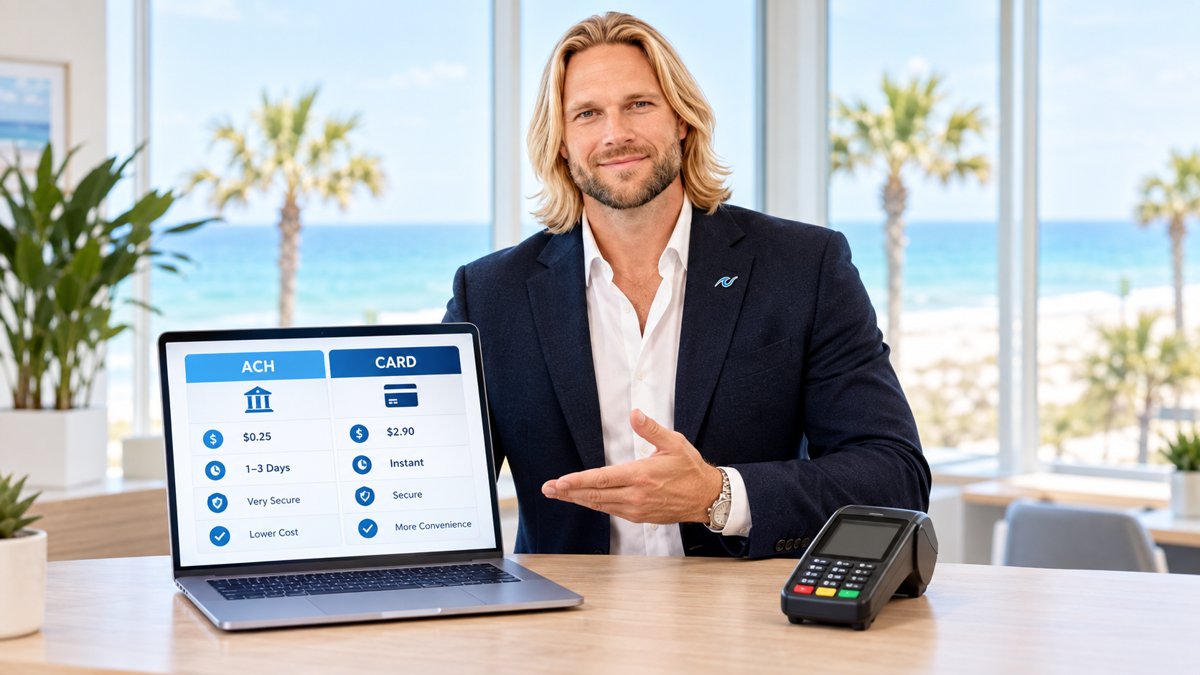
When you start looking for a way to accept credit cards online, you will likely see two different costs. The first is the processing fee (the percentage of the sale). The second is the gateway fee. Many providers charge $20 to $50 every single month just to keep your digital checkout window open. For a small business, that is money that could be better spent on marketing or inventory.
A "free" payment gateway usually means a gateway with no monthly subscription fees. You still pay for the transactions you process, but you don't pay a dime on months where you don't sell anything. This is the most cost-effective way to run a seasonal business or a growing startup.
What a Payment Gateway Actually Does
Think of a payment gateway as a digital bridge. When a customer enters their card info on your website or an invoice, the gateway encrypts that data and sends it to the bank to see if the funds are available. It then sends the answer back to you. Without a gateway, you cannot take "card-not-present" payments.
At PayWavez, we offer a white-label payment gateway that allows small businesses to keep their branding consistent while removing the burden of monthly software fees. This tool is designed to plug directly into your existing workflow without adding extra overhead.
According to industry data, e-commerce businesses lose billions annually to payment friction. Using a reliable gateway that supports modern features like Apple Pay and Google Pay can increase checkout conversion rates by up to 20%.
How to Spot a Truly Free Gateway
Not all "free" offers are created equal. Some companies give you the gateway for free but then hide the cost by raising your transaction rates. Here is a quick checklist to ensure you are getting a fair deal:
- No Monthly Minimums: Some gateways are free unless you process less than a certain amount (like $5,000). Ensure there are no penalties for low volume.
- PCI Compliance Included: You shouldn't have to pay extra for the security standards that keep your customer data safe.
- Transparent Transaction Rates: If the gateway is free, make sure your per-transaction rate is still competitive (usually around 2.9% + $0.30 for online sales).
- Easy Integration: A free tool isn't helpful if it costs $1,000 in developer fees to install. Look for "no-code" options or simple plugins.
"The goal for any small merchant should be a 'pay-as-you-grow' model. You shouldn't be penalized with fixed monthly fees before you've even made your first sale of the month."

Step-by-Step: Setting Up Your Gateway
If you are ready to stop paying monthly fees, the transition is simpler than most owners realize. You can see how the interface looks by visiting our live demo.
- Apply for a Merchant Account: The gateway is the software, but the merchant account is the actual bank relationship. You need both.
- Choose Your Integration: If you use a website like Shopify or WooCommerce, you’ll connect the gateway via a plugin. If you send invoices, you’ll use a hosted payment page.
- Test a Transaction: Run a $1.00 charge on your own card to ensure the money routes to your bank account correctly.
- Go Live: Once the test clears, you are ready to accept customer payments.
Why Local Support Matters
While many gateways are national brands, having a local partner can help when things go wrong. For example, businesses looking for Alabama payment processing often prefer working with someone who understands the local economy. Whether you are running a shop in the city or need Pensacola credit card processing, having a direct line to your provider saves time and frustration.
By choosing a white-label payment gateway with no monthly fees, you put your business in a position to scale without unnecessary debt. You get the professional checkout experience your customers expect without the "subscription fatigue" that eats into your margins.
Ready to see your own numbers?
Run your real card volume through the calculator or apply in about two minutes.