
E-commerce & Fees
Free Credit Card Processing for Small Business Online: Is It Possible?
You can eliminate your online processing costs by passing the transaction fee to the customer, but doing it legally requires the right setup and transparency.
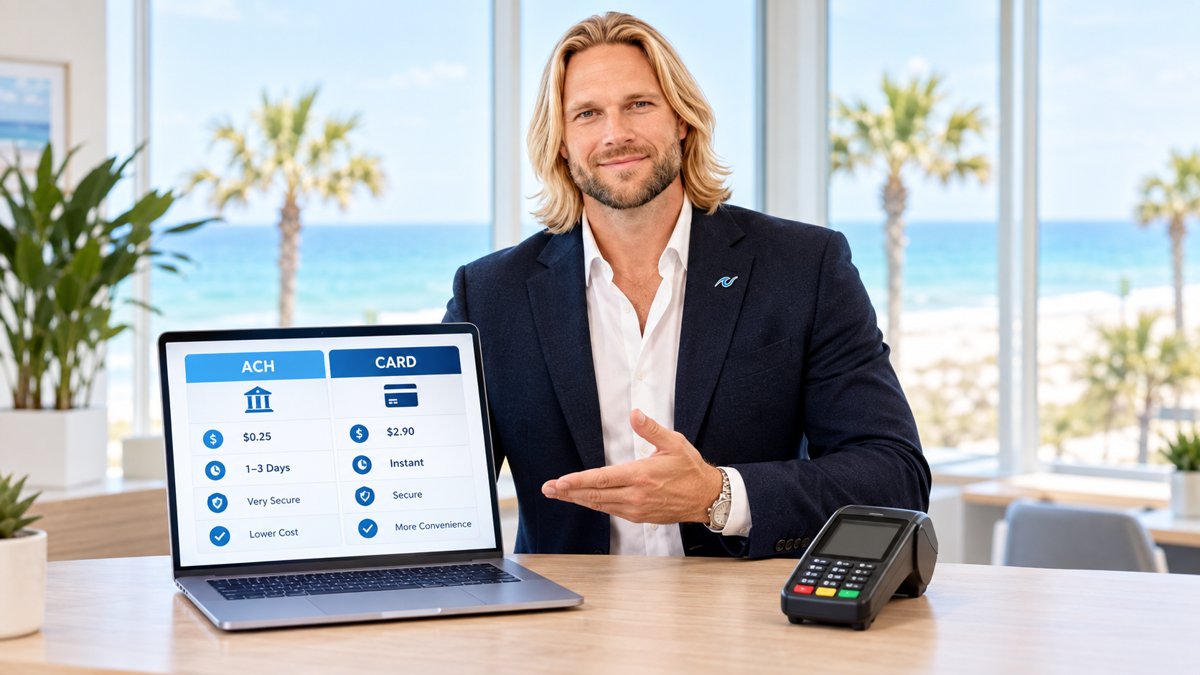
When you see the words "free credit card processing," it sounds like a gimmick. In the world of merchant services, no one works for free. The banks, the card brands, and the processors all take a cut of every transaction. However, "free" processing for a small business means that you aren't the one paying that cut. Instead, the cost is shifted to the customer.
What Does "Free" Processing Really Mean?
In the industry, this is often called zero-cost processing or non-cash adjustments. For an online store, this usually happens through a surcharge or a dual-pricing model. Instead of your business losing 3% of every sale to fees, the customer pays a small convenience fee at checkout. This allows you to keep 100% of your sticker price.
Businesses that switch to a surcharge or dual-pricing model can reduce their total processing costs by up to 95%, significantly increasing their bottom-line margins.
What Online Sellers Get Wrong About Rates
Many online sellers think that a flat rate—like the 2.9% + $0.30 you see from big-name providers—is the simplest and best deal. This is one of the biggest misconceptions in e-commerce. While it is simple, it is often the most expensive way to process cards. When you use a flat rate, you are paying the same high price for a basic debit card as you are for a premium rewards credit card.
By moving to a model where the customer covers the cost, the specific rate matters less to your business because you aren't the one writing the check at the end of the month. Our PayWavez Gateway is designed to handle these calculations automatically, ensuring the correct fee is applied based on the card type and your specific program.
The Difference Between Surcharging and Dual Pricing Online
There are two main ways to achieve "free" processing online:
- Surcharging: You add a fee (usually around 3%) to every credit card transaction. You cannot legally surcharge debit cards.
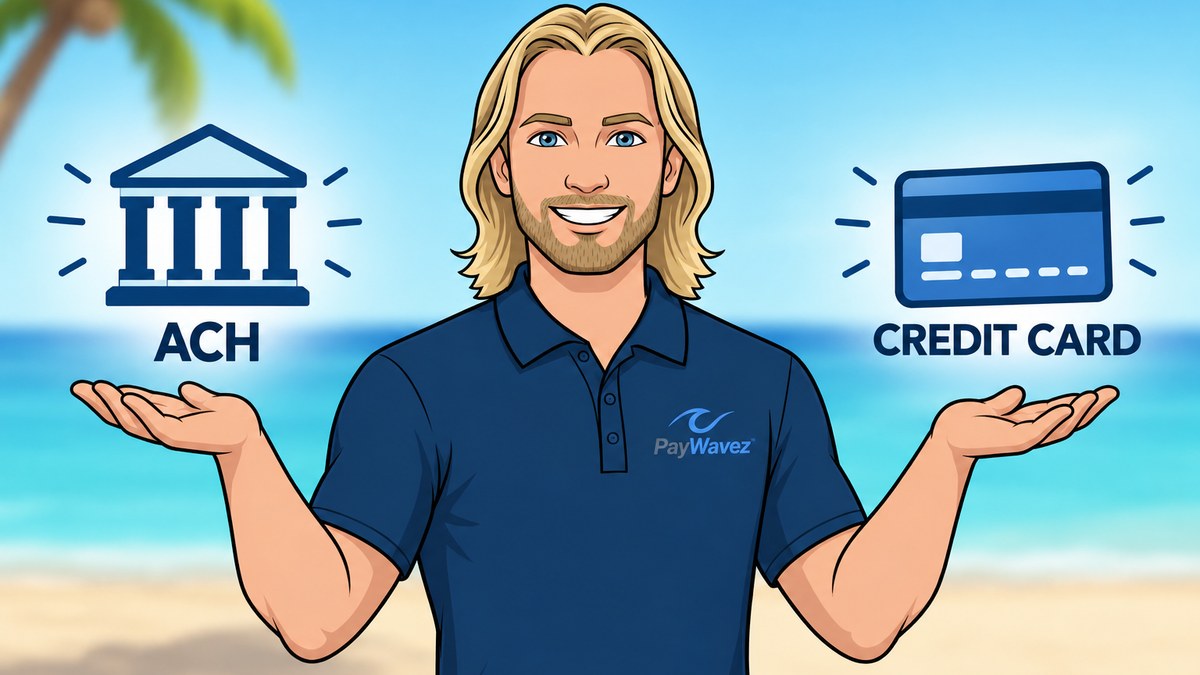
- Dual Pricing: You show two prices—a "card price" and a "cash/ACH price." This is often easier for customers to accept because it feels like a discount for using a cheaper payment method rather than a penalty for using a card.
The goal isn't just to save money; it's to keep your margins healthy without creating friction that scares away your customers at checkout.
Is Passing the Fee Legal?
Yes, but there are rules. You must provide clear signage or digital notices that a fee is being applied. You also cannot charge more than what you are actually paying in fees (usually capped at 4%). If you are operating in the Alabama payment processing market, for example, you have to follow specific state guidelines regarding disclosure.
Local businesses in tourist areas, such as those looking for Gulf Shores credit card processing, often find that customers are used to these small convenience fees. In a seasonal economy, saving that 3% on every transaction can be the difference between a profitable off-season and a struggling one.
How to Set Up Zero-Fee Processing Online
To get started, you need a payment gateway that supports fee-splitting or surcharging. Most standard "out of the box" checkout buttons don't allow this. You need a partner that understands the compliance side so you don't get hit with fines from the card brands.
To see exactly how this looks for a customer during the checkout process, you can view our live demo. It shows how the fee is displayed transparently, keeping you compliant and your customers informed.
Ready to see your own numbers?
Run your real card volume through the calculator or apply in about two minutes.