
Restaurant Payments
What Is the Best Credit Card Processor for Restaurants?
Finding the right processor for your restaurant means looking past the sales pitch to see how a system handles the heat of a busy kitchen and the reality of your profit margins.
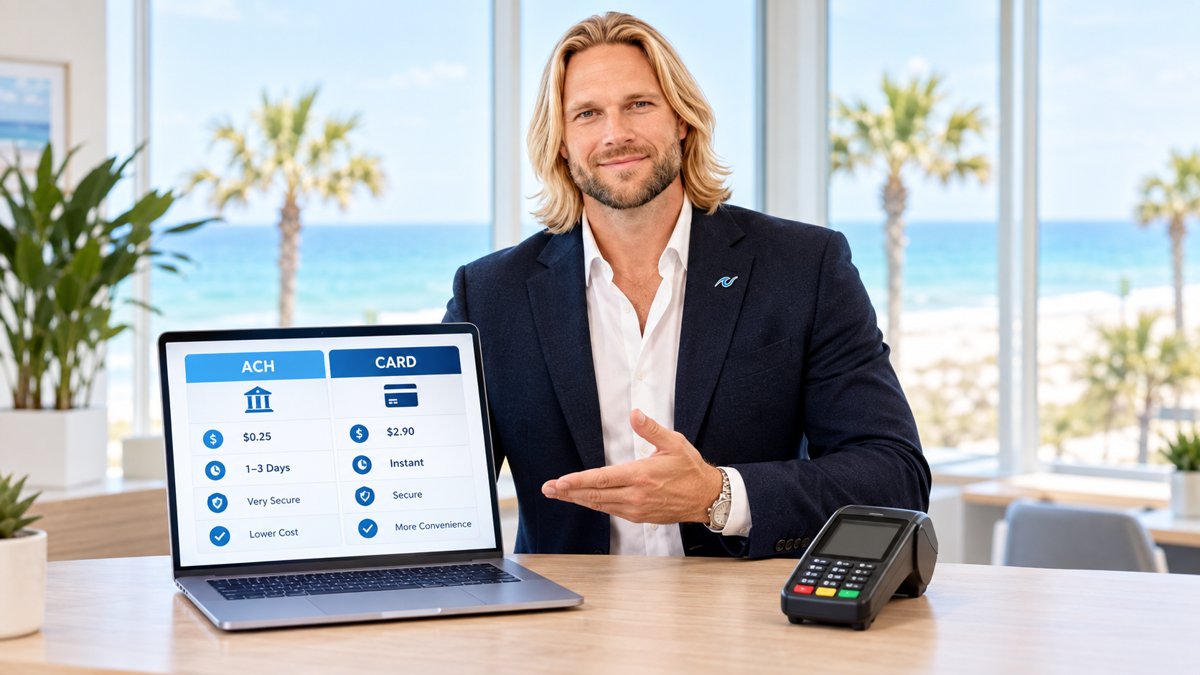
Choosing a credit card processor for a restaurant is different than picking one for a retail shop. You have to deal with tips, split checks, menu updates, and high-speed rushes. If the system goes down on a Friday night, or if the fees eat up your entire dessert margin, you have a problem.
The short answer is that the "best" processor depends on your service model. A coffee shop needs speed, while a fine-dining establishment needs complex table management. Before we dive into the details, you should look at our comprehensive guide on the best credit card processing companies for restaurants to see how the top players rank side-by-side.
The Big Three: Toast vs. Clover vs. PayWavez
Most restaurant owners find themselves comparing three main options. Each has a different approach to how they charge you and what hardware they provide.
1. Toast
Toast is built specifically for restaurants. It has every feature you could want, from online ordering to payroll. However, Toast often requires you to use their own payment processing. This is called a "locked" system. While it is convenient, it can be expensive because you cannot shop around for better rates once you are signed up.
2. Clover
Clover is a very popular all-in-one system. It is flexible and looks great on a counter. The challenge with Clover is that many different banks sell it. This means the fees can vary wildly depending on who you buy it from. You might get a great deal on the hardware but end up paying high monthly "software fees" or hidden processing costs.
3. PayWavez
At PayWavez, we focus on transparency and cost control. Unlike the big tech companies that charge a flat percentage for every transaction, we offer dual pricing and surcharging models. This allows you to pass the cost of processing on to customers who choose to pay with credit, which can save a restaurant thousands of dollars every month. We also provide robust hardware like the PayWavez Handheld POS, which lets servers take orders and payments right at the table.
The average restaurant spends between 2.5% and 4.5% of its total revenue on credit card processing fees. For a business doing $100,000 a month, that is $45,000 a year just to accept plastic.

Must-Have Features for Restaurant Processing
When you are evaluating a new partner, don't just look at the percentage rate. Ask about these specific restaurant needs:
- Offline Mode: Can you still take payments if the internet goes out?
- Tip Adjustment: How easy is it for staff to add tips at the end of the shift without errors?
- Handheld Options: Can your servers carry a device to the table? This increases table turnover and reduces mistakes.
- Menu Sync: If you change a price on the terminal, does it update your online ordering menu automatically?
For owners running a busy kitchen in tourist hubs like Gulf Shores, reliability is everything. You don't have time to wait on a support line when the dining room is full. You need a partner that understands the local landscape and the seasonal swings of the industry.
The best POS isn't the one with the most fancy buttons; it's the one that stays out of the way during a Friday night rush and keeps your margins intact.
How to Avoid Overpaying
Many processors hide fees in the fine print. They might offer a "low" rate of 1.5%, but then add on "non-qualified" fees, batch headers, and PCI compliance charges. The easiest way to see if you are being overcharged is to look at your "effective rate." To find this, take your total fees for the month and divide them by your total sales. If that number is higher than 3%, you are likely overpaying.
We help businesses throughout the region navigate these choices. Our Alabama payment processing experts can review your current statement for free to show you exactly where the hidden costs are hiding. You can even see the hardware in action by requesting a live demo of our latest systems.
In conclusion, while Toast and Clover offer great features, they often come with higher long-term costs. By choosing a processor that offers dual pricing and local support, you can keep more of your hard-earned money. For a deeper look at specific vendors, revisit our list of the best credit card processing companies for restaurants to make your final decision.
Ready to see your own numbers?
Run your real card volume through the calculator or apply in about two minutes.